
On this page
Browse what ships with Clio Preview a small addition Choose project or user scope Use plugins for related resources Keep discovery separate from loading Know when you need an extensionClio Coder's Library contains skills, agents, prompts, fleets, and plugins. You can add a procedure to one project or install it for your user. Preview what will be written, inspect the resource, and load it when a task needs it.
From the catalog to one task
/library or Alt+L
Browse
Catalog content that ships with Clio; nothing is installed yet.
--dry-run
Install review
Preview
Destination, dependencies, scope, and the package pin.
install
Project or user scope
Pinned copy
Drifted content is blocked from loading.
/skill
One conversation
Loaded for a task
Recipes load on demand.
Browse what ships with Clio
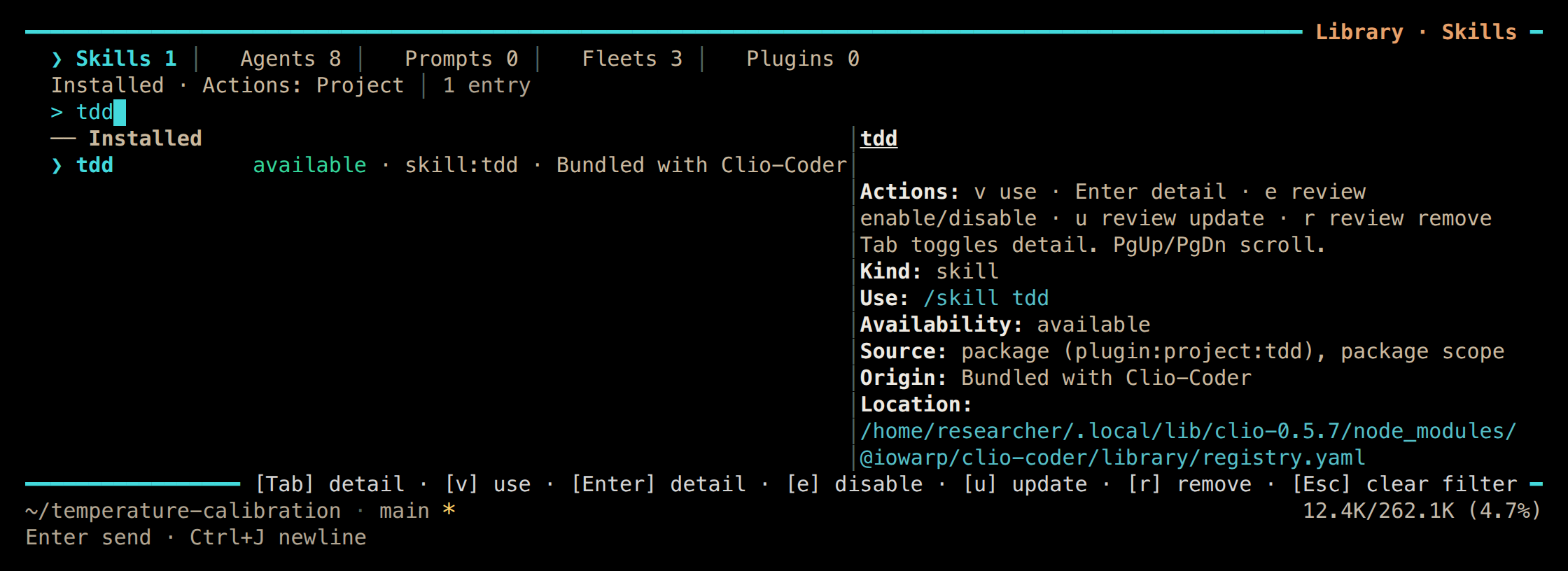
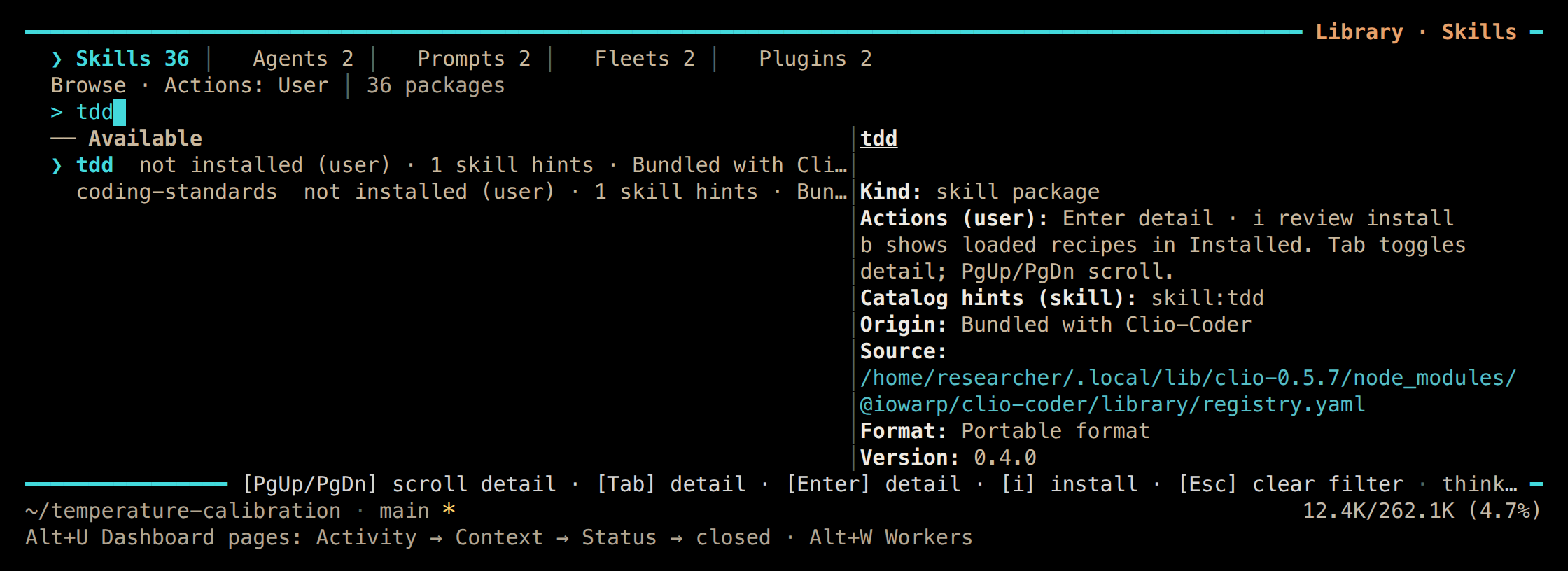
Open /library in the terminal or press Alt+L. On the desktop alpha, the Library sits beside the conversation. Browse shows available content; Installed manages your copies.
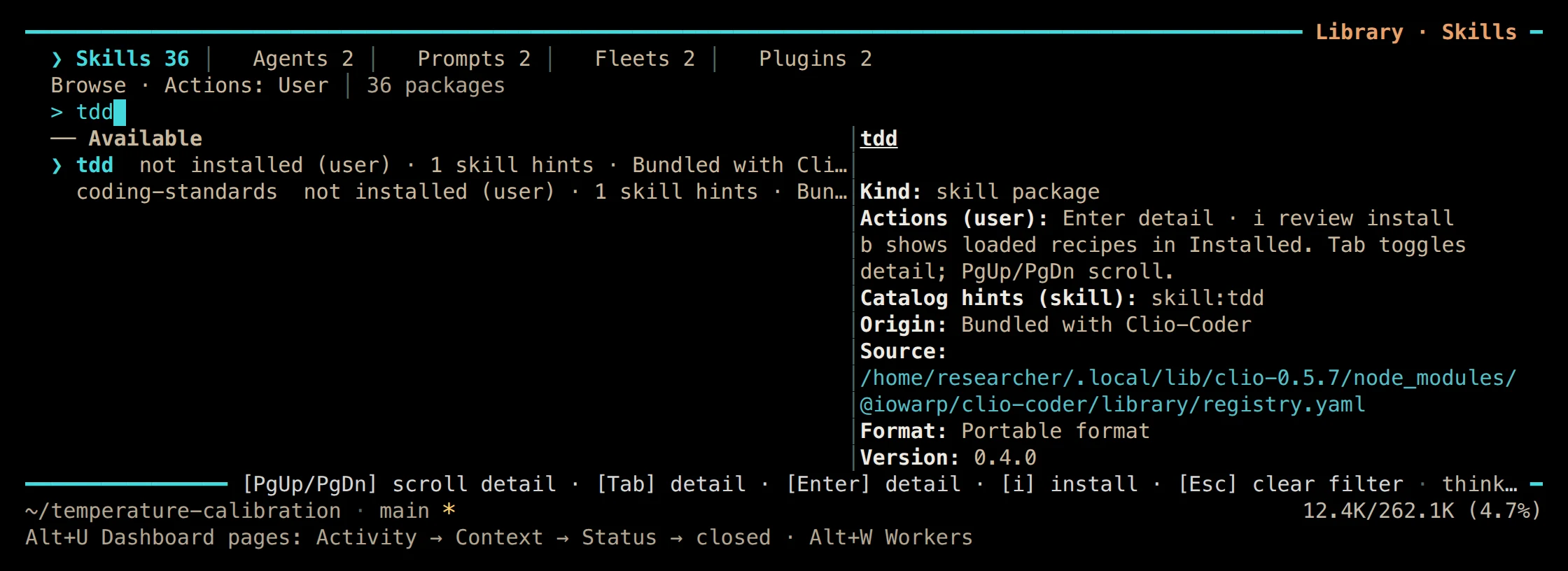
01 The Library in Browse mode, filtered to the bundled tdd skill package. Terminal · v0.5.7
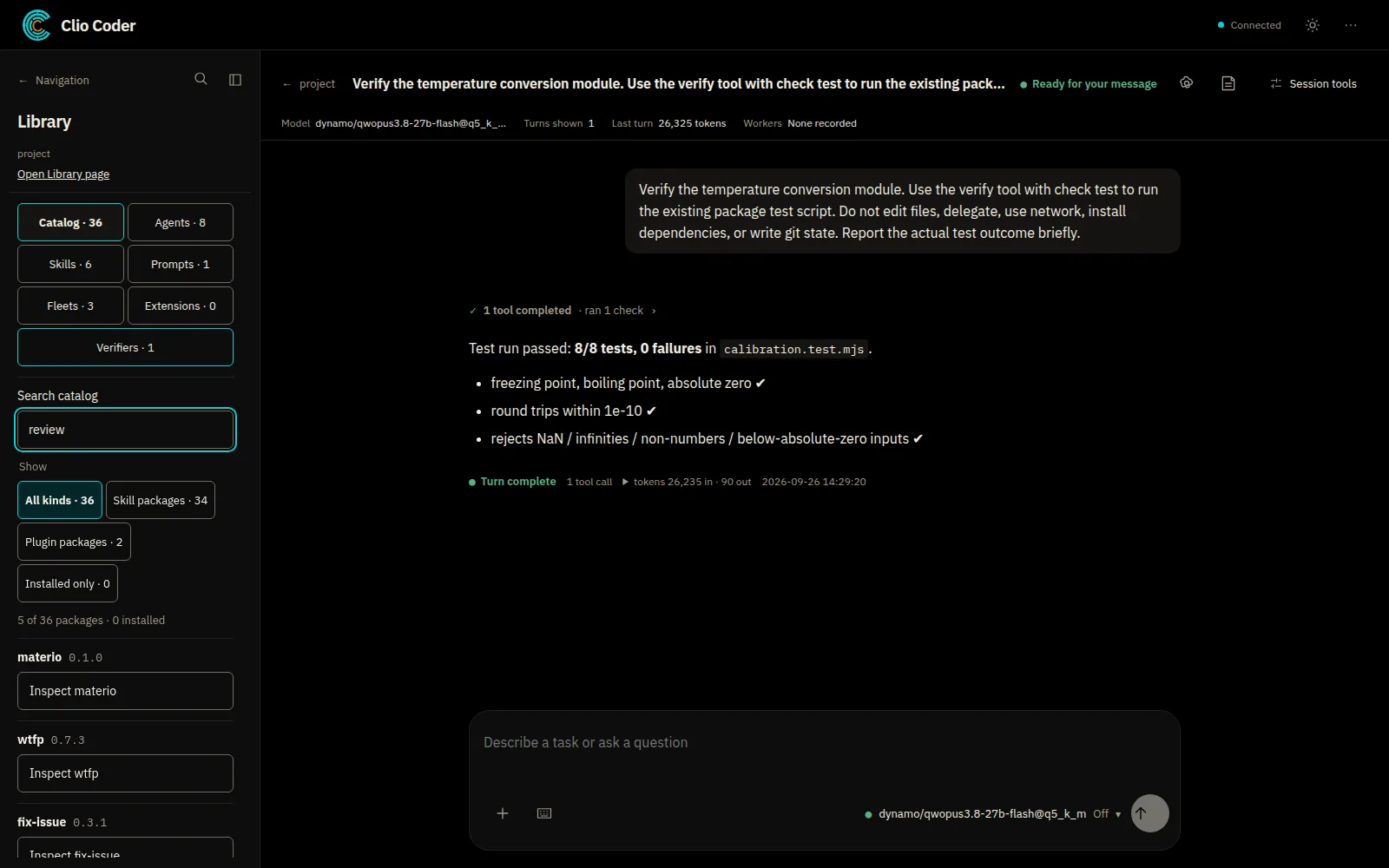
02 The Library beside a conversation: catalog categories, package kinds, and an Inspect action for each package. Desktop alpha · v0.5.7
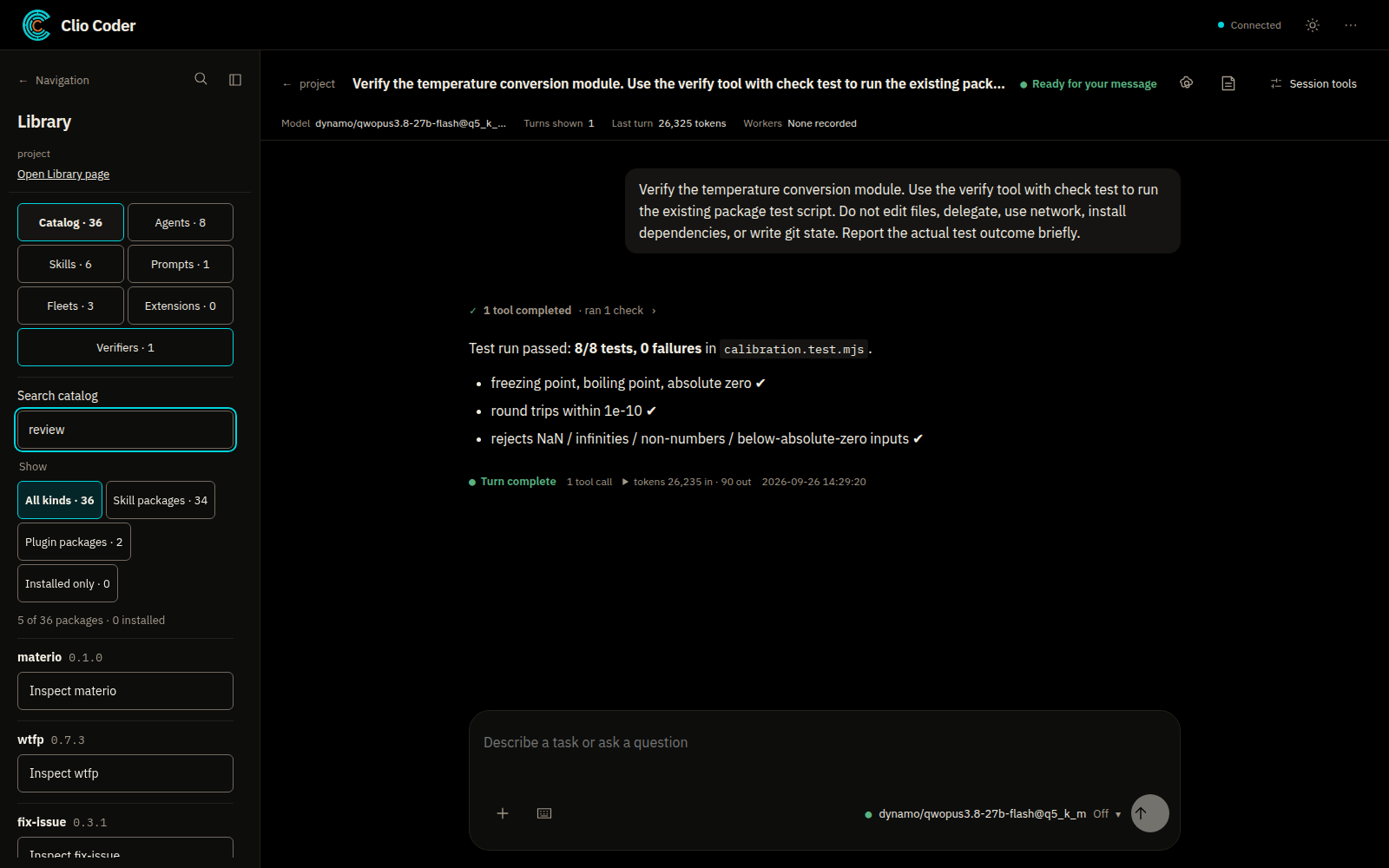
Preview a small addition
Preview the install
Start with a resource you can evaluate, such as the shipped test-driven-development skill:
Shell
clio-coder library install skill:tdd --project --dry-runCheck the destination, dependencies, scope, and package pin. The
--jsonform carries the full plan.::: capture cli-library-dry-run
Install it for this project
Shell
clio-coder library install skill:tdd --projectLoad it for one concrete task
/skill tdd Add coverage for this parser before changing its behavior.:::
What installing establishes
The skill is available and pinned. Installing it does not establish that it writes the right tests; review its instructions, the resulting changes, and the recorded checks. The Library guide covers the current controls.
Choose project or user scope
Project packages take precedence over matching user packages, and a disabled project copy also suppresses the user copy. A project can therefore keep a resource unavailable instead of inheriting it from one developer's setup.
| Scope | Who it serves | What takes precedence |
|---|---|---|
| Project | Everyone working in this repository | A matching project package, even when disabled |
| User | You, across projects | Used when the project has no matching package |
Scope helps reproducibility: another person can see which procedures belong to the project. It is not a filesystem sandbox, and the project's normal execution and tool controls still apply.
Use plugins for related resources
A Library plugin groups related skills, prompts, agents, fleets, and supporting files. The catalog ships with Clio, but its content is not installed automatically.
Shell
clio-coder library list --kind plugin
clio-coder library install plugin:materio --dry-run
Review the bundle before installing it, and add --project when it should belong to the workspace. Local bundles use the same review flow; the plugin guide covers structure and lifecycle.
Installation records a pin over the complete package tree, and drifted content is blocked from loading. Verifying a pin is not a way to approve arbitrary edits to an installed package; use the documented update and review workflow.
Keep discovery separate from loading
A large Library should not mean every resource enters every model request. The coordinator starts with a smaller attached toolkit and discovers secondary capabilities when a task calls for them, and recipes load on demand.
Write clear resource descriptions and narrow procedures. A skill that explains one project's numerical-test conventions is easier to select and inspect than a bundle that promises to solve every task.
After changes made by another process, /library reload refreshes recipes and /skill off clears an active skill's armed tool surface. Neither erases earlier instructions from the conversation, and disabling a resource does not stop a tool already running.
Know when you need an extension
Library plugins provide portable recipes. Executable harness extensions add runtime tools, hooks, or interface behavior through clio-coder extensions, and adding tool schemas requires a new session; reloading recipes does not change them.
Boundaries
- Choose the least extensive mechanism that supplies the task.
- Review executable code before using it, and account for its commands and network access under your own machine's permissions.
- A bigger Library helps only when it serves a better-defined task.