
CLIO Coder / Tutorials
Get a feel for CLIO Coder.
Short, practical guides to working with CLIO Coder. Start with a real repository, choose your workspace, and learn by doing.
Path 1 / Coding agents
You already use a coding agent
Run a first session in your own repository, see what CLIO Coder may do without asking and how to undo it, check a change against the tests you name, hand bounded work to the agents you already use, then leave a run unattended within limits.
Path 2 / Science and HPC
You write research code and run it on a cluster
Start in your own repository, follow a numerical fix from a failing test to recorded verification, let the agent submit and follow a Slurm job you asked for, keep a speed-up only when a measurement proves it and the answers still match, and coordinate workers on other machines over SSH.
Path 3 / Local models
You run your own models
Connect a model server with no account or key, choose models for conversation and for delegated work, read what each session cost and why a run stopped, carry a long task through a handoff without losing its decisions, then compare answers blind before you trust a ranking of your models.
All tutorials
Getting started / 5 min
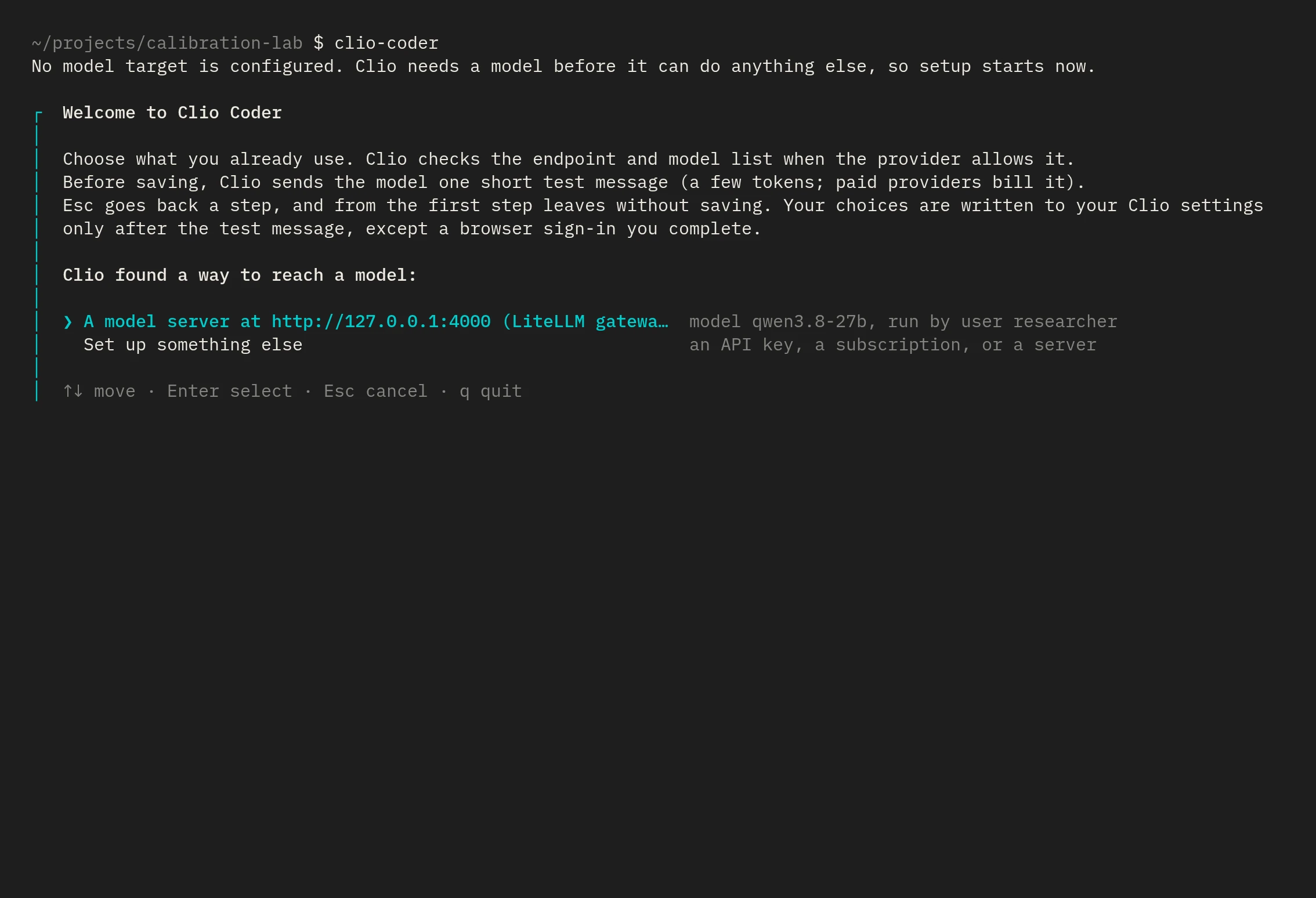
Your first session with CLIO Coder
Connect a model, open a repository, and ask CLIO Coder to explain how it builds and runs its tests.
Read the tutorial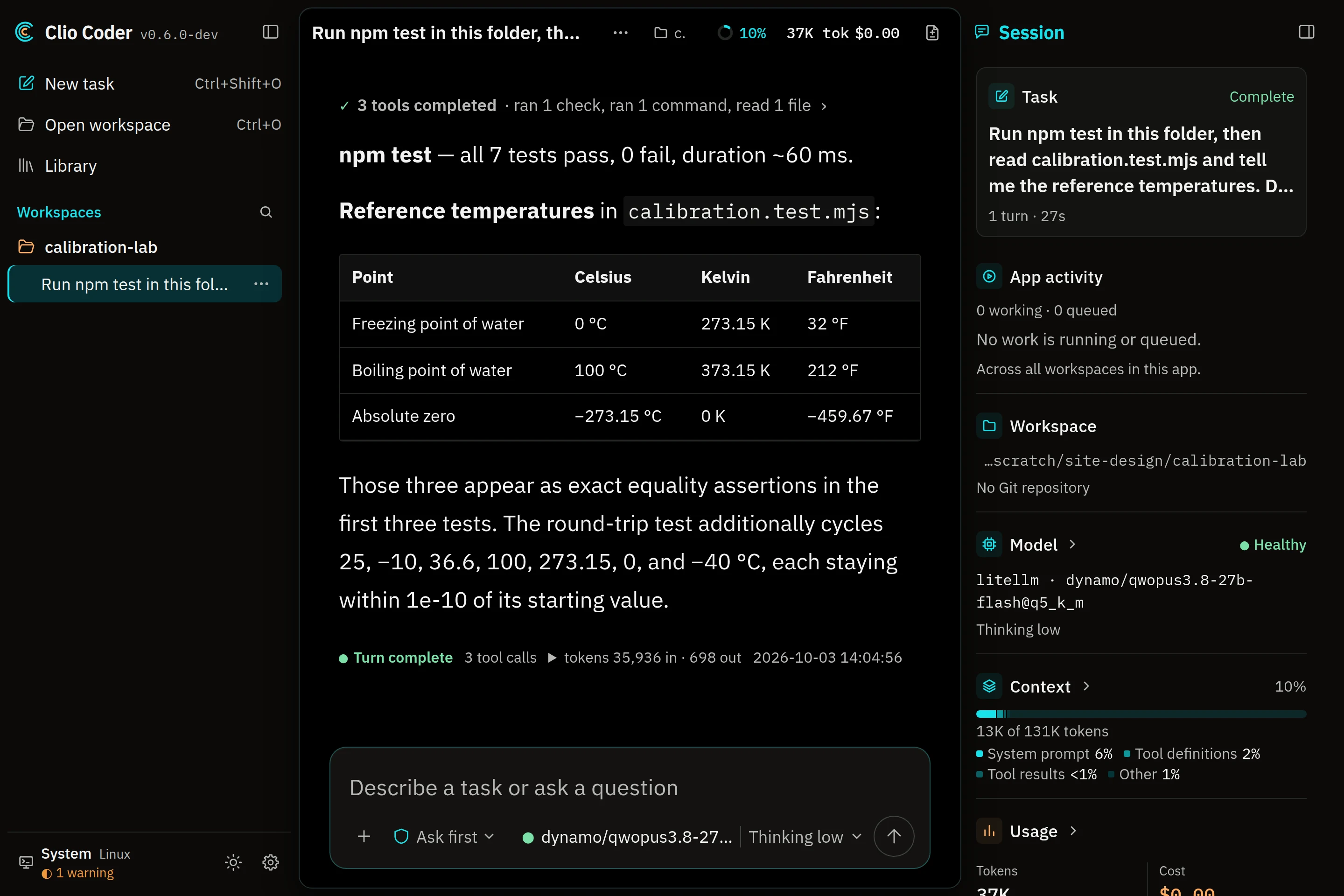
Product tour / 4 min
Desktop or terminal: find your workspace
See both interfaces, learn how to launch them, and choose where to start your next coding session.
Read the tutorial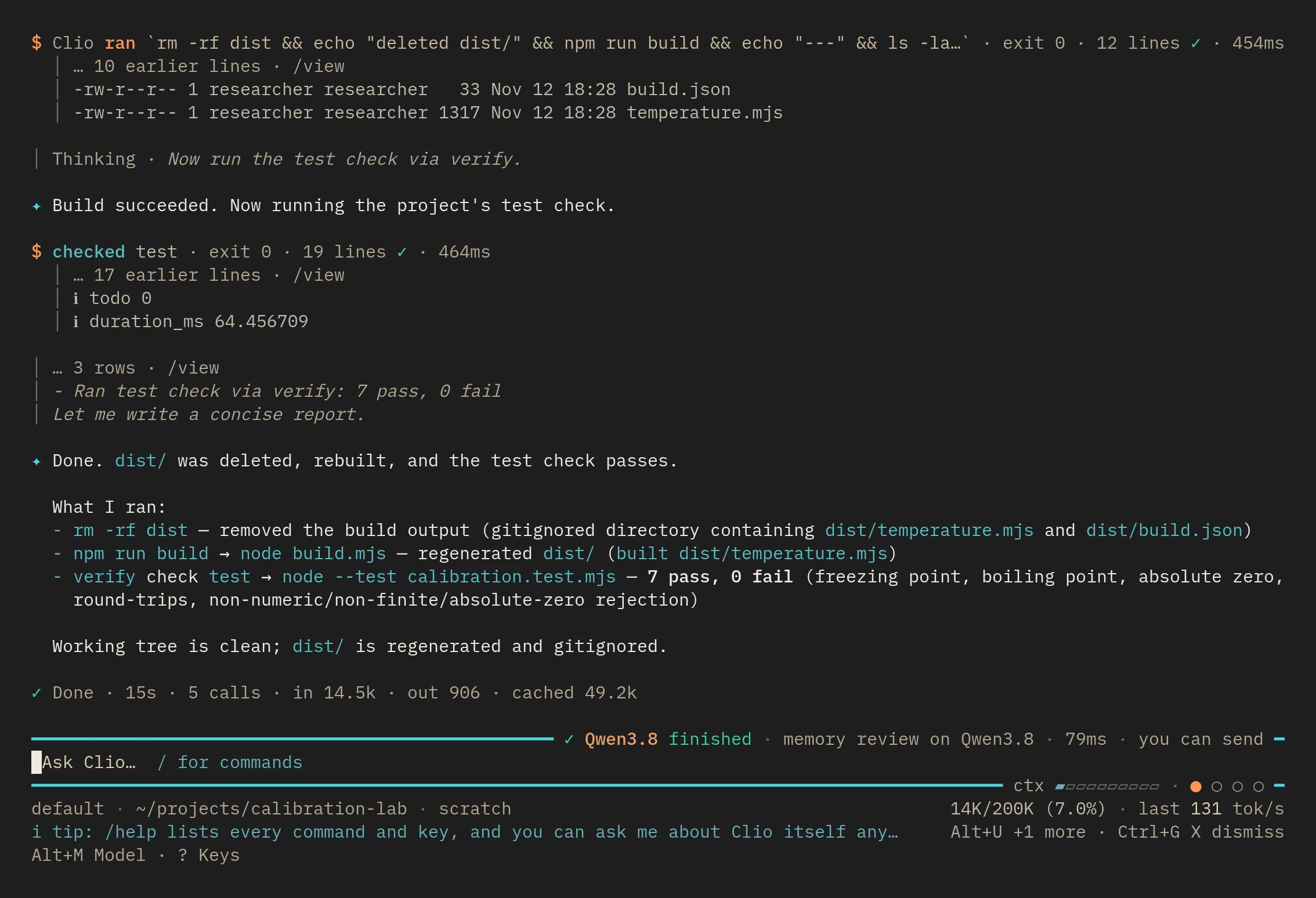
Safety and autonomy / 7 min
Let CLIO Coder work without watching every call
Check the sandbox, undo a change with /rewind, tell the safety judge about your machine, and know when yolo is the right call.
Read the tutorialWorkers and fleets / 5 min
Run a playbook from plan to commit
Run the builtin sdlc playbook on one task, watch it work, and read the three commits it makes on your branch.
Read the tutorial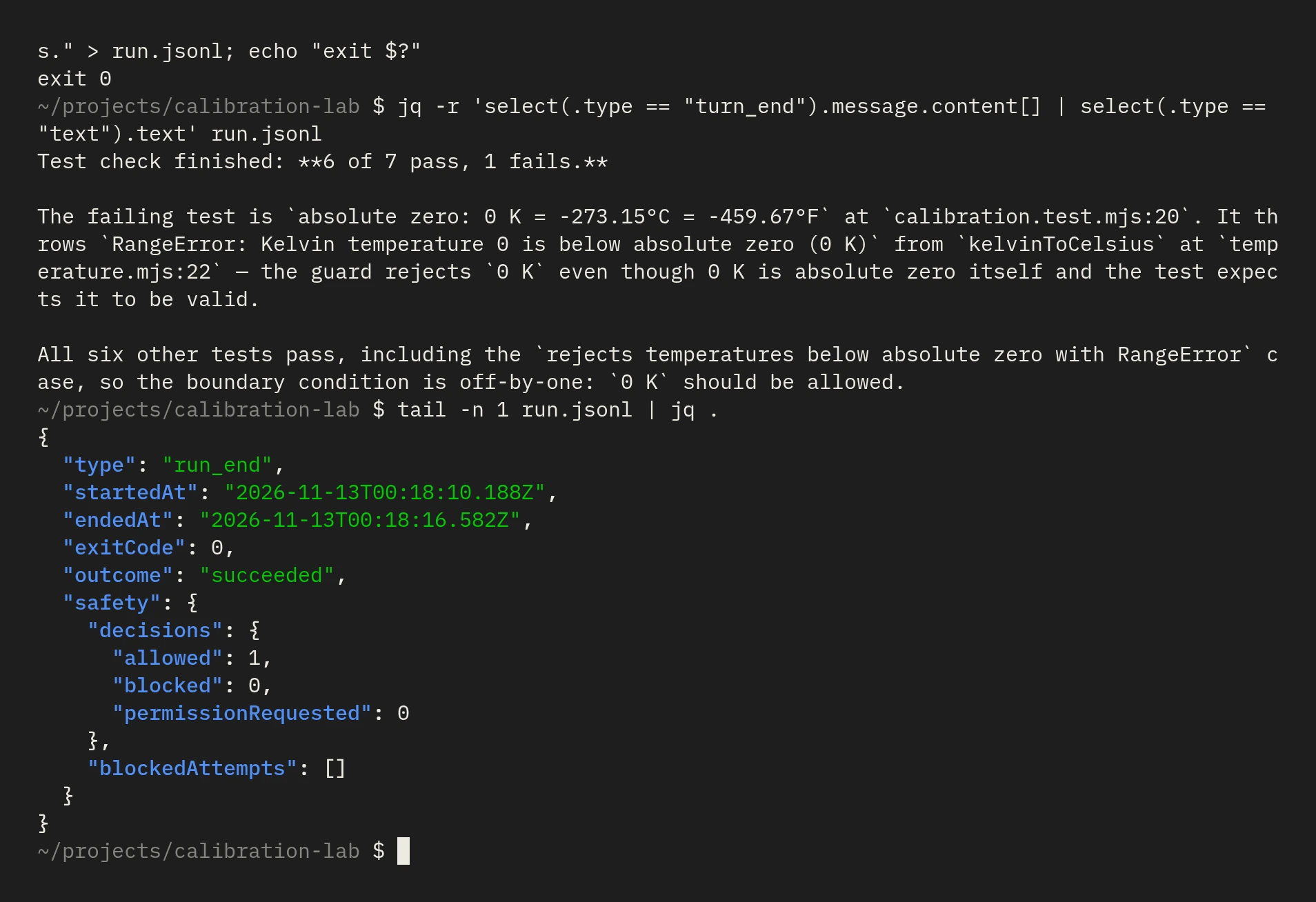
Safety and autonomy / 6 min
Run it unattended within limits
Start a headless run with a cost ceiling and a timeout, ask read-only questions, schedule turns, and know what stops each one.
Read the tutorialAccountability / 4 min
See what a session cost and what a run did
Read session cost and stop reasons from local journals, verify a sealed record, and prepare an archive that uploads nothing.
Read the tutorial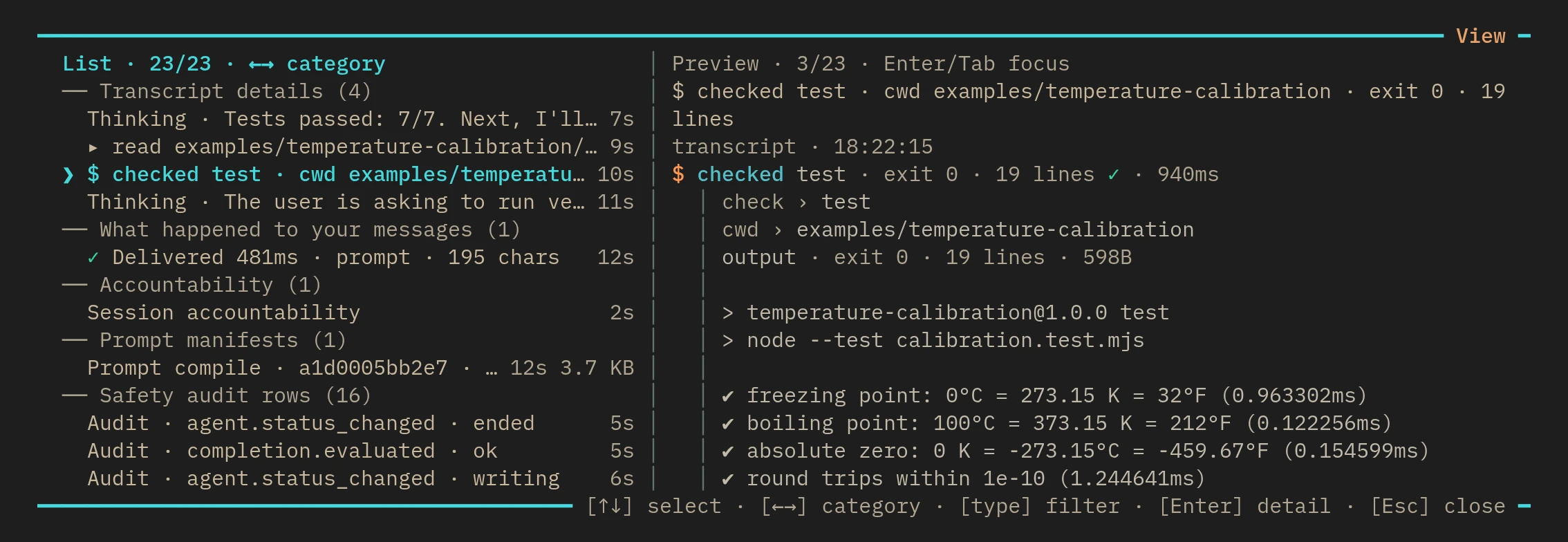
Scientific software / 5 min
A numerical change, checked with CLIO Coder
Follow a temperature-conversion example through a floating-point test failure, a correction, and recorded verification.
Read the tutorial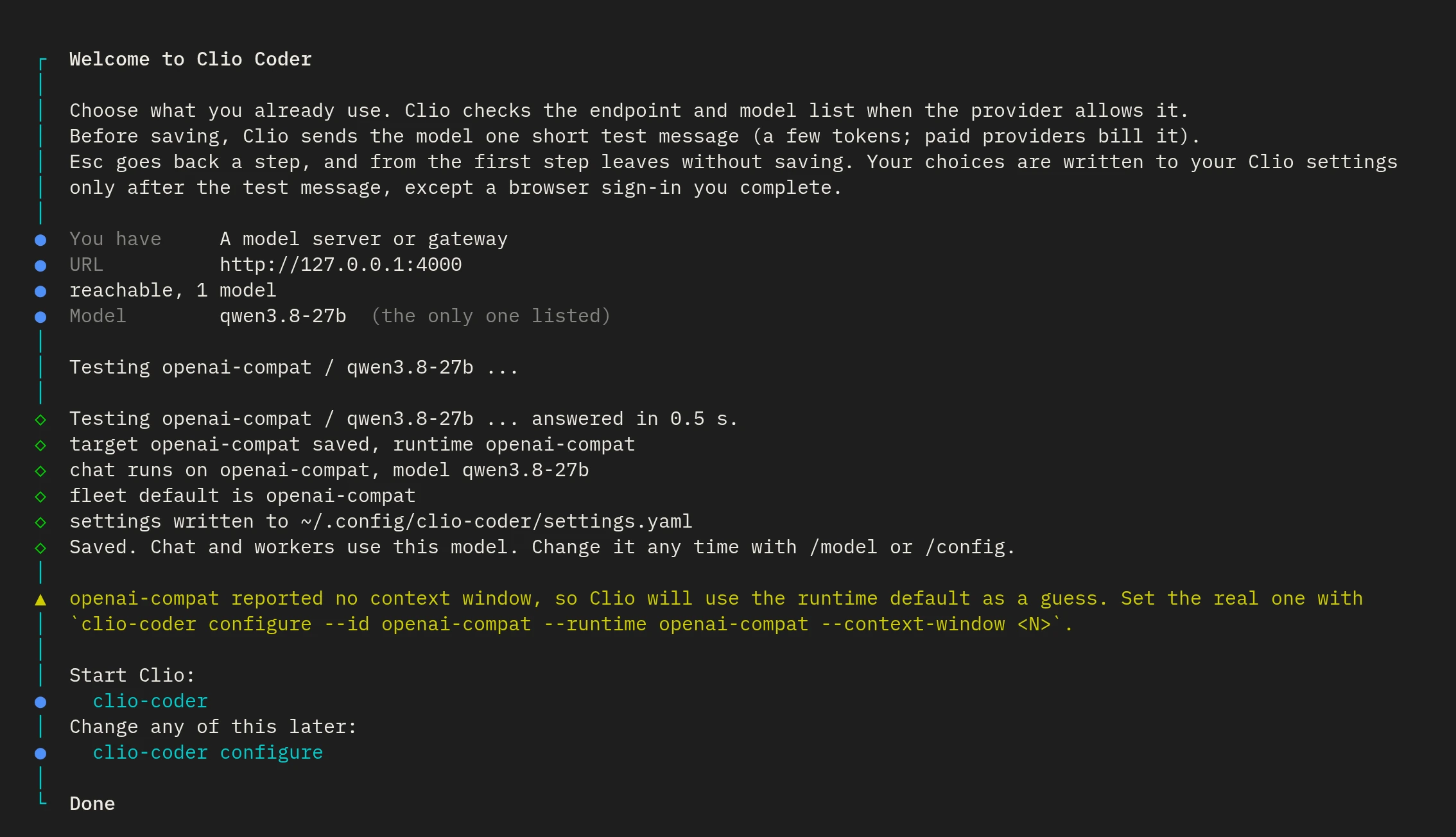
Model choice / 6 min
Choose a model for your project
Connect a local server, a cloud API, or a supported subscription route, then choose models separately for conversation and delegated work.
Read the tutorial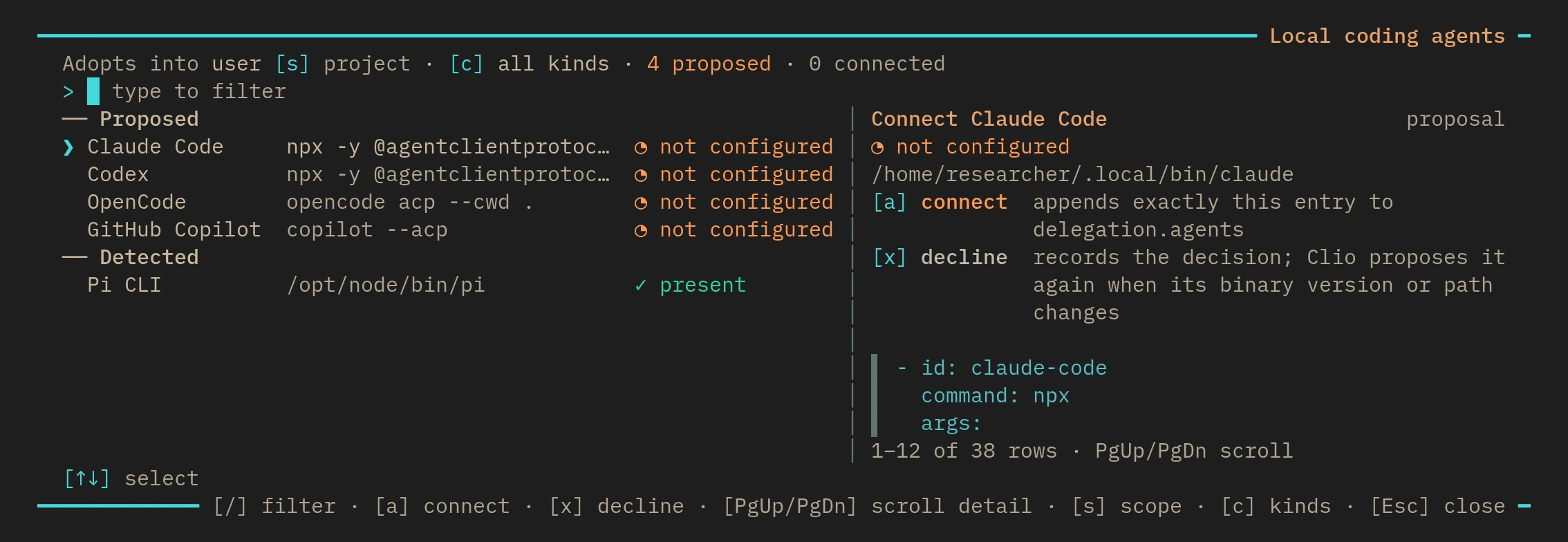
Agent coordination / 6 min
Coordinate the coding agents you already use
Use supported coding peers for bounded assignments, distinguish managed runs from interactive handoffs, and review the results before combining them.
Read the tutorial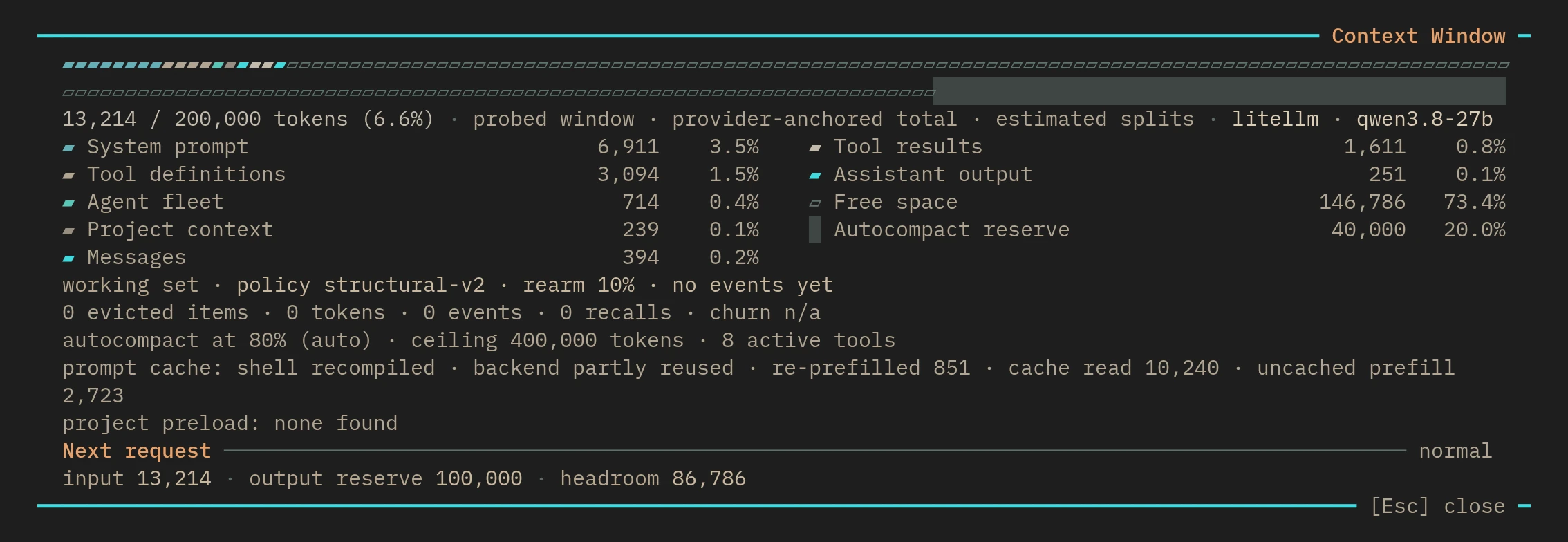
Context and memory / 4 min
Keep a long coding task on track
Inspect context, preserve decisions through a handoff, and resume the correct branch without turning every past message into a current instruction.
Read the tutorial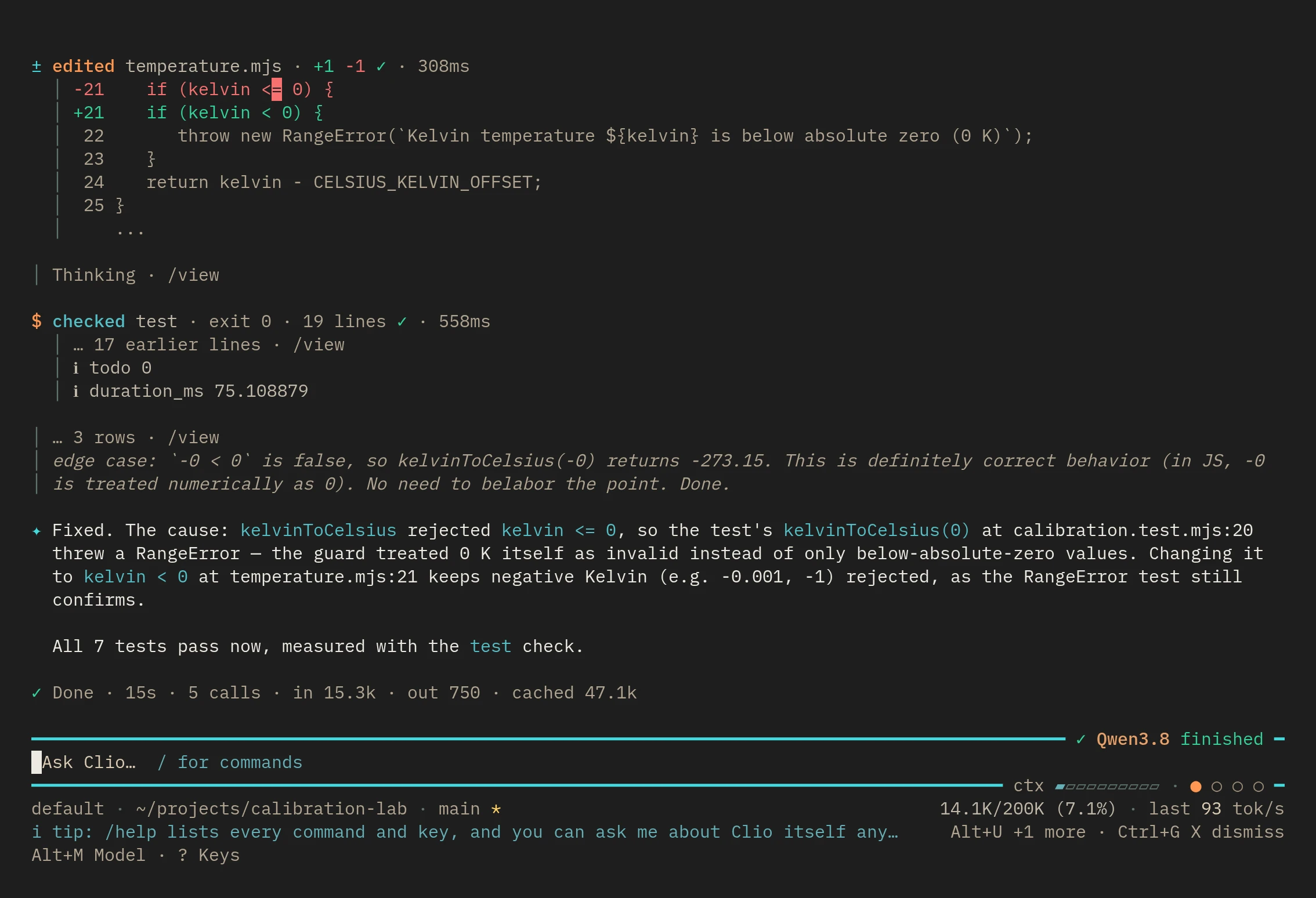
Verification / 5 min
Check a change against your repository
Declare which checks matter, run them through verification, and inspect whether passing results still match the files you are reviewing.
Read the tutorial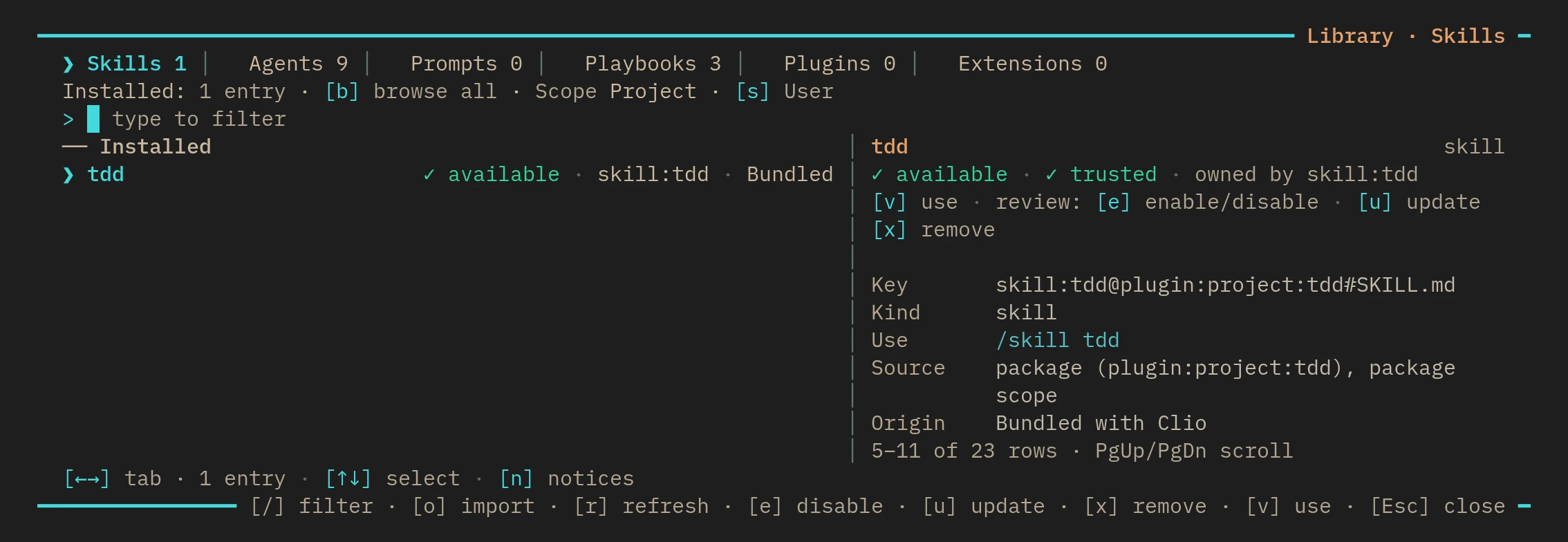
Skills and plugins / 5 min
Add skills and plugins deliberately
Preview a project skill or plugin, inspect its package pin, and load only what your task needs; installing is not a permission grant.
Read the tutorial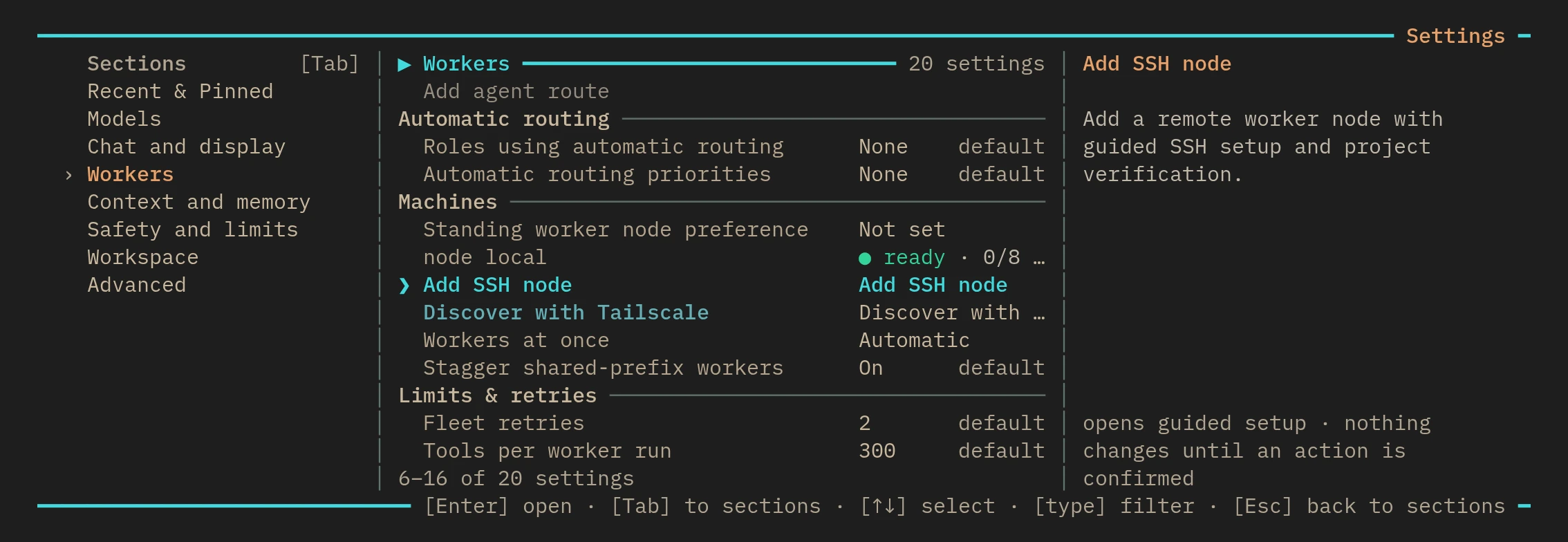
Remote workers / 11 min
Work from a laptop with remote workers
Use a local CLIO Coder session to coordinate SSH workers when your machines share the required project path, runtime version, and approved access.
Read the tutorialExtend CLIO Coder / 5 min
Write an extension with declared capabilities
Scaffold, test, and install a small extension, and see exactly what approving its capabilities covers.
Read the tutorialModels / 3 min
Diffusion models in the terminal
Connect Inception's Mercury models for chat and workers, and watch an answer refine as a whole instead of arriving token by token.
Available since 0.5.3, terminal display only
Read the tutorialTerminal workspace / 5 min
Panes and docks: files, workers, and music
Show and hide a file browser, a live worker dashboard, and a focus radio beside the terminal conversation with one key each.
Experimental, off by default, needs Herdr
Read the tutorialSafety / 3 min
Keep named files with the models you chose
Declare which paths and tool results may reach which model targets, approve the policy, and see a request to any other destination refused.
Advanced, opt-in
Read the tutorialContext / 6 min
Search by meaning and record worker runs
Index code, memory, and experiment folders with a local embedding model, and attach a redacted terminal recording to a worker's evidence.
Beta, off by default
Read the tutorialModel choice / 4 min
Run CLIO Coder on a local model
Connect a local server with no account or key, check what CLIO Coder learned about it, and see what else to check if code must stay on your machine.
Read the tutorialScientific software / 5 min
Submit a Slurm job through CLIO Coder
Declare the clio-kit Slurm server, install the skill, and let the agent submit and follow a job, with a confirmation before it reaches the scheduler.
Read the tutorialScientific software / 5 min
Pre-register a benchmark before you measure
Use the experiment-protocol skill to lock thresholds, tolerances, and verdict conditions into a contract you commit before any result exists.
Read the tutorial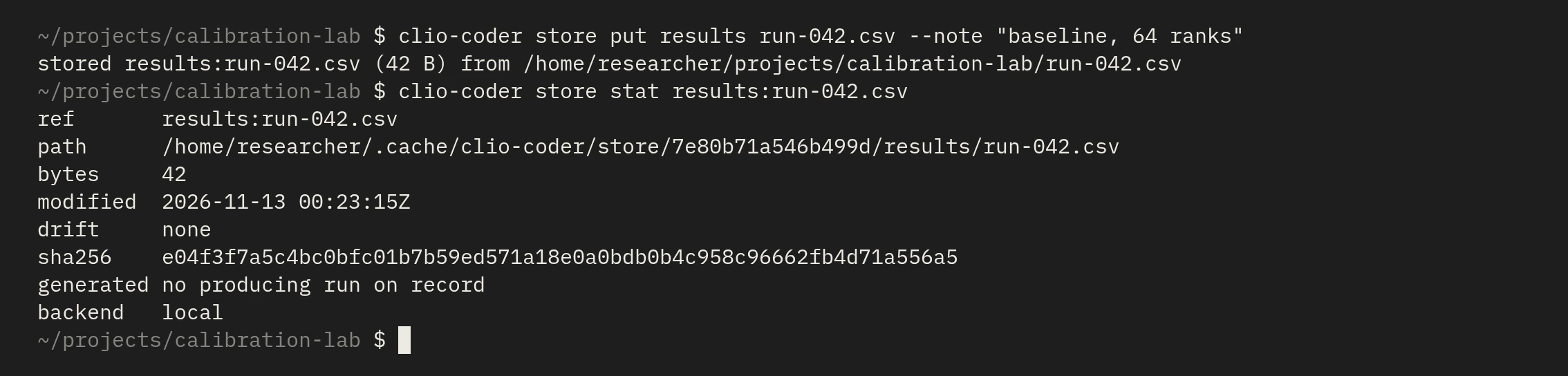
Scientific software / 5 min
Keep results outside the tree with the project store
Store a result with a note, check it for drift, read it from a script, and let a worker write into one granted tag.
Read the tutorialModels / 5 min
Set up a lab from one setup file
Write one YAML file that connects every lab member to your model gateway, check what it may carry, and test the route.
Read the tutorialTerminal workspace / 4 min
Share a folder with a teammate or a second terminal
Run two sessions in one project, keep each person's state private, and commit project settings that can only make CLIO Coder stricter.
Read the tutorialScientific software / 7 min
Run a research campaign and a blind arena
Keep a speed-up only when a measurement proves it and the answers still match, then compare model answers without knowing which model wrote them.
Read the tutorialAccountability / 5 min
Report a problem without leaking your machine
Draft a bug report, read the exact text with your paths, names and keys masked, choose how it leaves, and share a diagnostic bundle only if you want to.
Read the tutorialAgent coordination / 5 min
Ask several agents at once
Poll two to five agents on one question and read the vote, or give a council roster one task and let a judge write a single answer.
Read the tutorial