
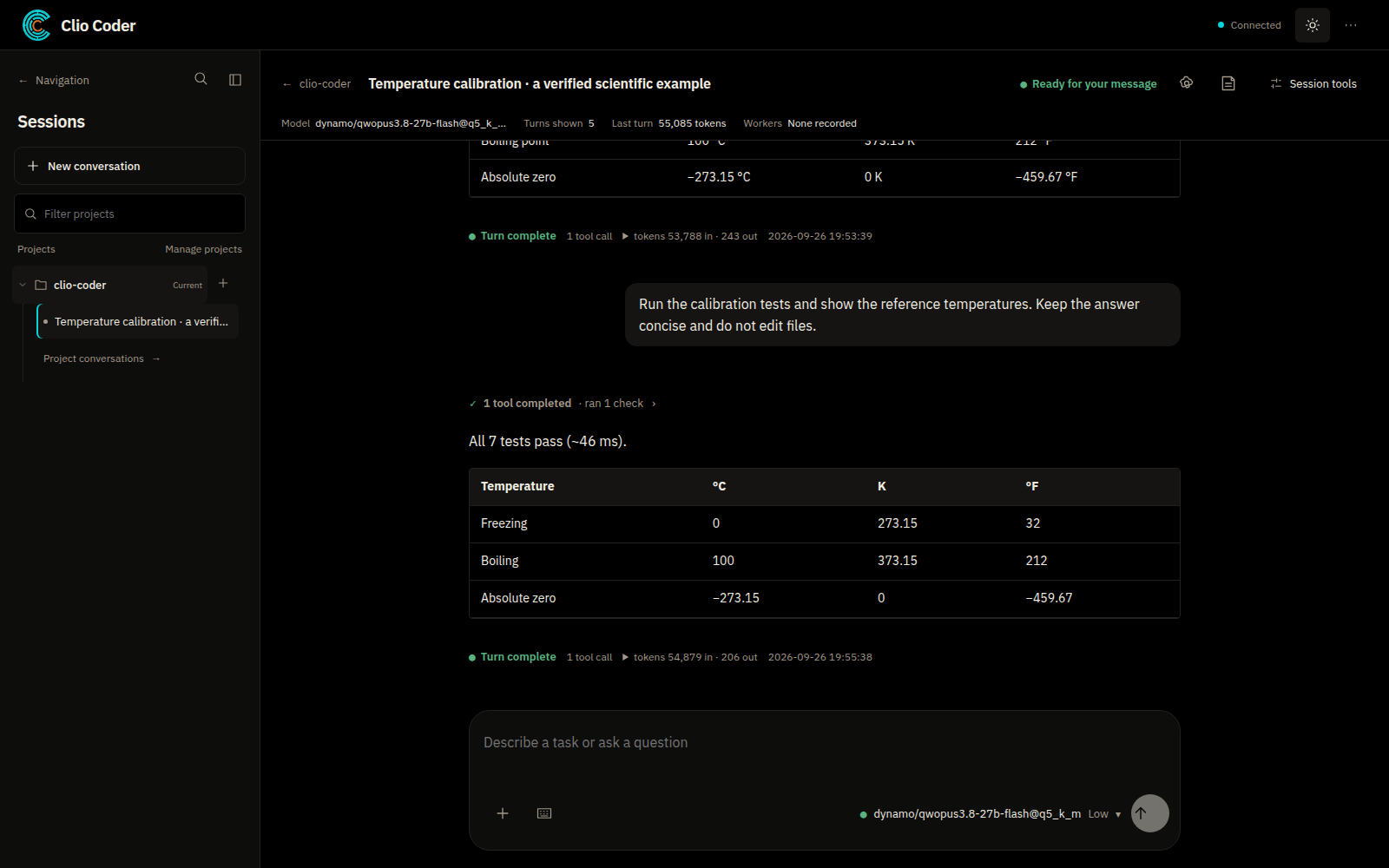
Browse project conversations, attach files, and inspect recorded tool results beside your work. Session tools expose context, branches, and reviewed handoffs. The desktop is an alpha with a subset of terminal workflows.
clio-coder gui --openA Clio tool for scientific software
Open source v0.5.7Meet Clio Coder. An AI coding agent for the repositories your research depends on.
Explore a codebase, work through a change, and run the checks that matter. On your desktop or in your terminal, with the model you choose.
01 / From question to checked change
Clio reads your repository, uses its tools, and helps you follow a change through to verification.
Find the entry points, trace a calculation, or ask how the project builds. Start with the code already in front of you.
Ask Clio to edit, investigate a failure, or delegate a focused task. Review tool activity and the resulting diff.
Run the project’s tests, builds, or numerical comparisons. Inspect recorded results and see which checks still need your attention.
“Explain how this repository builds and runs its tests. Find the main entry points. Do not change files yet.”
Follow the first-session tutorial02 / Two ways to use Clio Coder
Choose the workspace that fits your day. Both interfaces use the Clio Coder runtime.
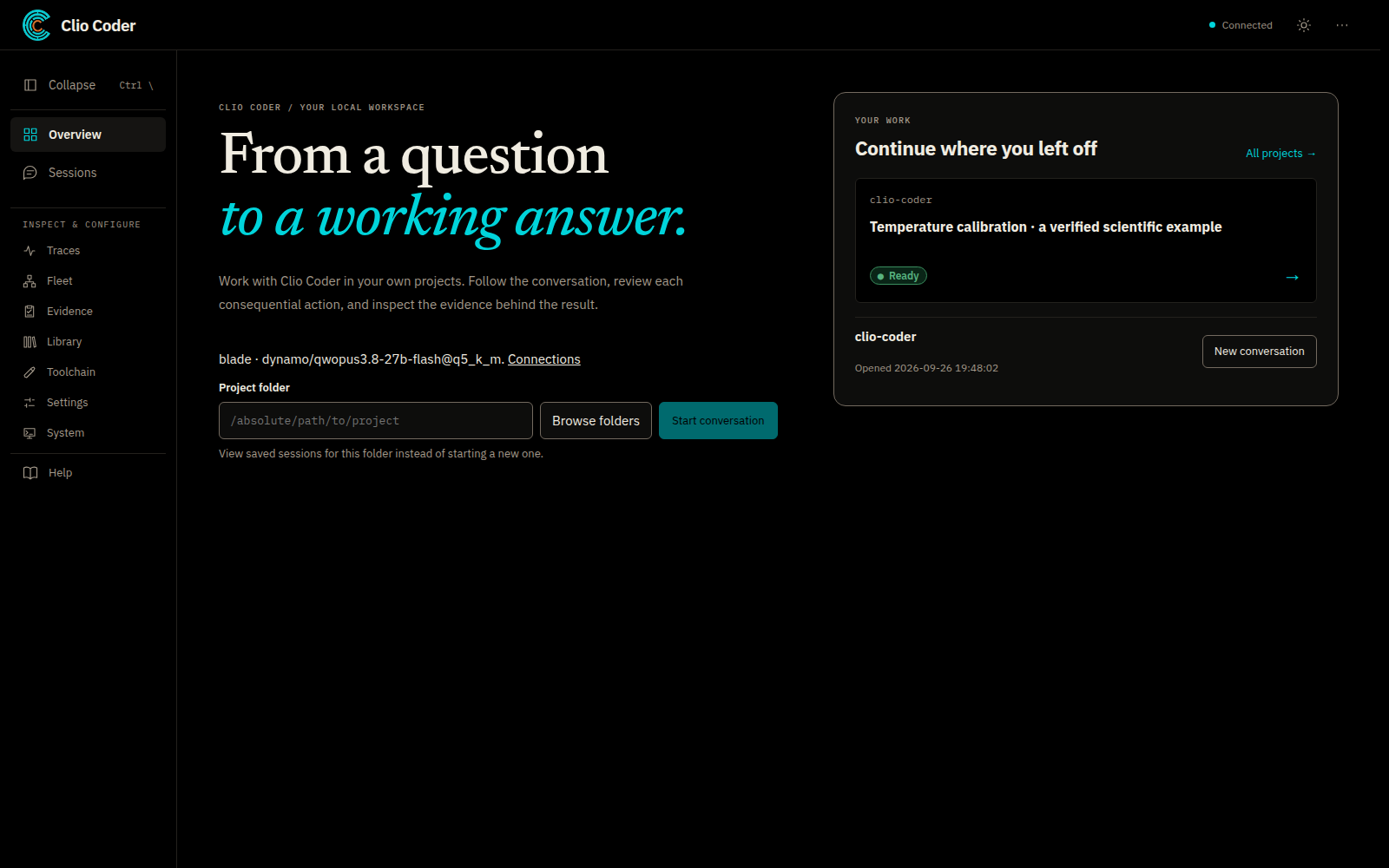
Browse project conversations, attach files, and inspect recorded tool results beside your work. Session tools expose context, branches, and reviewed handoffs. The desktop is an alpha with a subset of terminal workflows.
clio-coder gui --open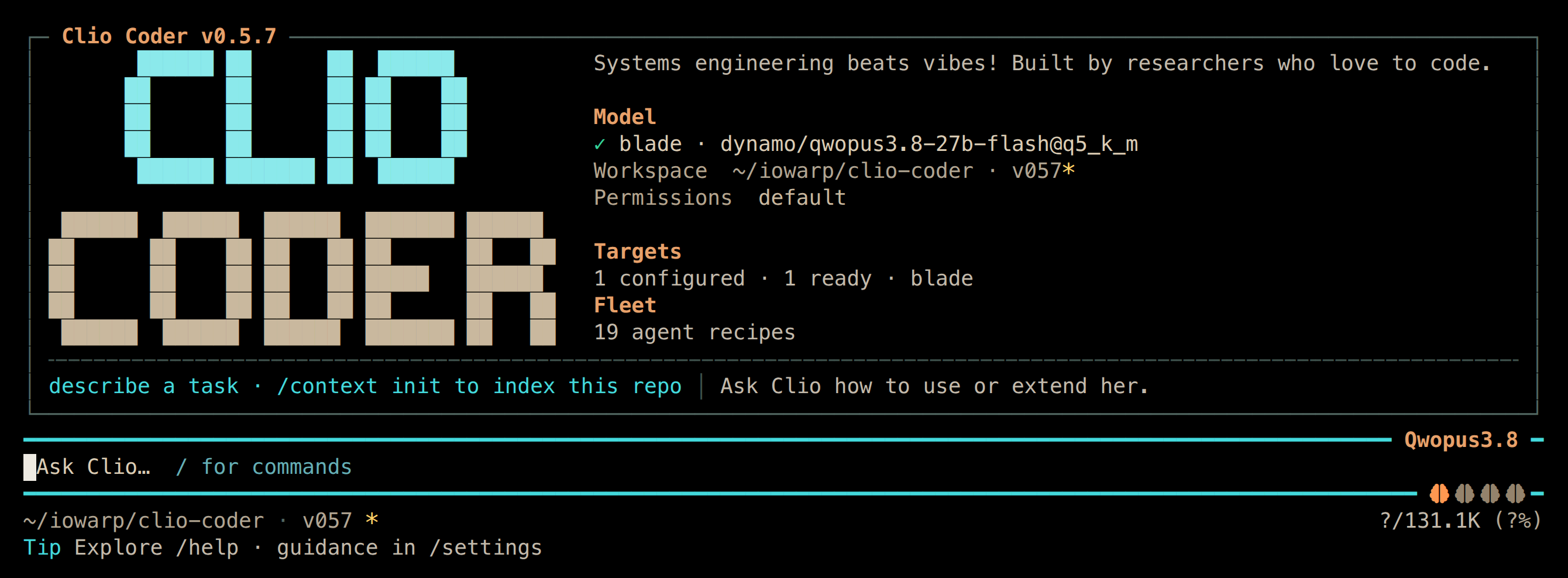
Conversation, tool calls, permissions, and worker activity in one keyboard-driven workspace. Launch it from the repository you want to work on.
clio-coder03 / Your model, your environment
Connect a model on your workstation, an institutional gateway, or a cloud service. Conversations and workers can use different models.
Connect your model04 / Room for the whole project
For simulation kernels, numerical libraries, data pipelines, and the everyday software around them.
Read, search, edit, inspect Git, and run commands in your project.
02Resume a conversation, recall earlier work, and prepare a handoff.
03Give a task to a focused worker or combine workers into a workflow.
04Reuse useful procedures and add tools for your research domain.
05Connect supported coding agents and editors through ACP.
06Connect supported Slurm tools for scientific computing tasks.
05 / A few minutes to your first session
You’ll need Node.js 22.19 or newer and a model that supports tool calling. Linux and macOS are the primary platforms.
Installation & update guidenpm install -g @iowarp/clio-codercd /path/to/your/project
clio-coder configureChoose Guided setup for a local app, server, subscription, or provider account. You can also configure directly in the desktop.
06 / Before you begin
No. Clio Coder runs locally with your own model connections. Your cloud provider may require credentials and charge for inference.
Yes. Connect a supported server or compatible API endpoint. Choose a model that supports tool calling. The connection guide covers setup.
Clio can edit files and run commands, subject to its configured permissions. Commands run with your user’s access. Review permissions and changes as you work; Clio is not an operating-system sandbox.
Clio Coder is pre-1.0 software under active development. The terminal is the primary interface; the desktop is an optional alpha. Report an issue if you run into trouble.

Created by researchers who love to code
Clio Coder is part of the IOWarp ecosystem. We build tools for people who write, test, and maintain scientific software. Explore the source, try Clio in your own project, or contribute a useful workflow.