
Desktop or terminal: find your workspace
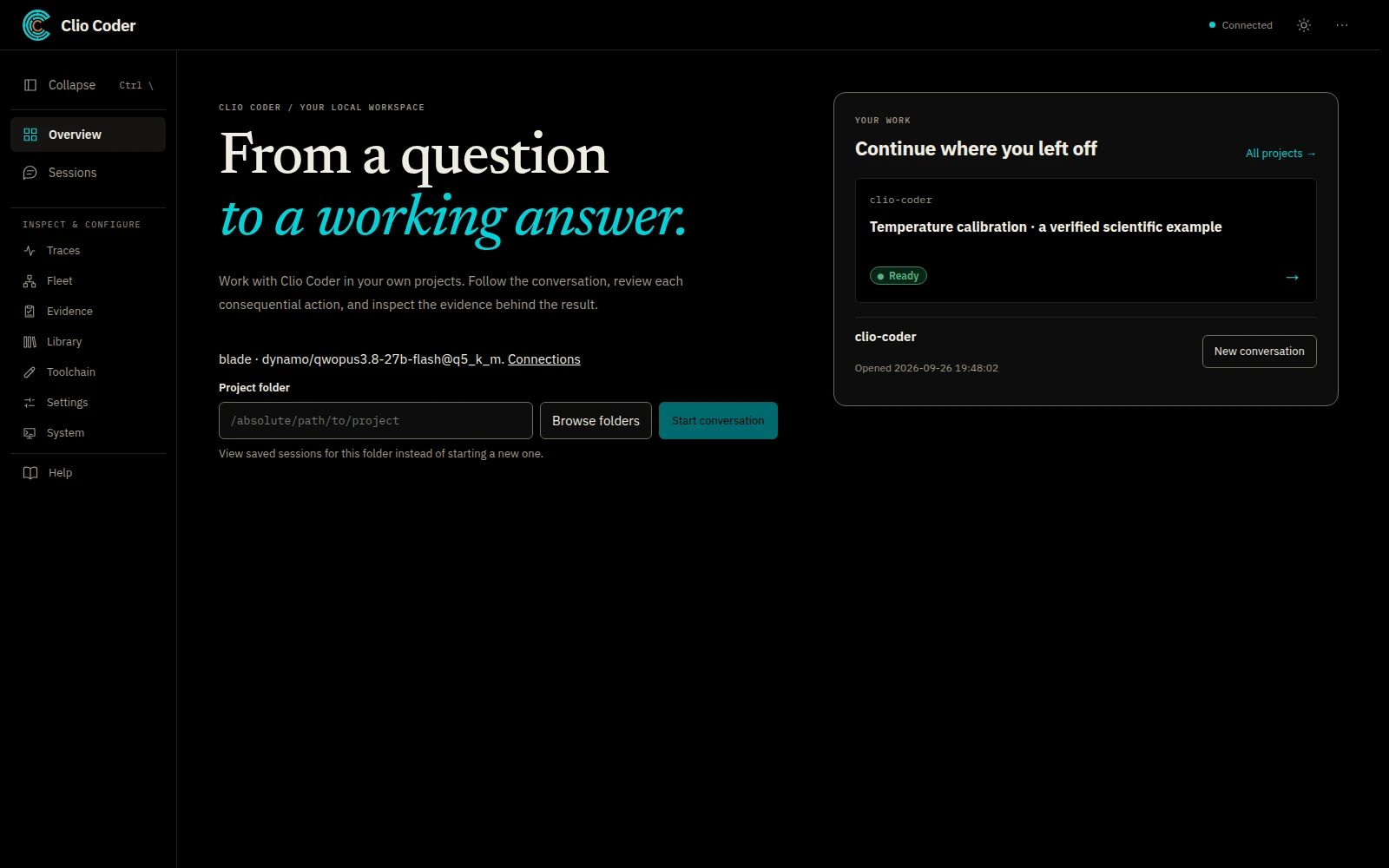
Clio Coder has two interfaces to the same runtime. The terminal offers the primary workflow. The desktop alpha opens locally in your browser and gives you a visual workspace for projects and conversations.
Clio Coder on the desktop
From a terminal, run:
clio-coder gui --open
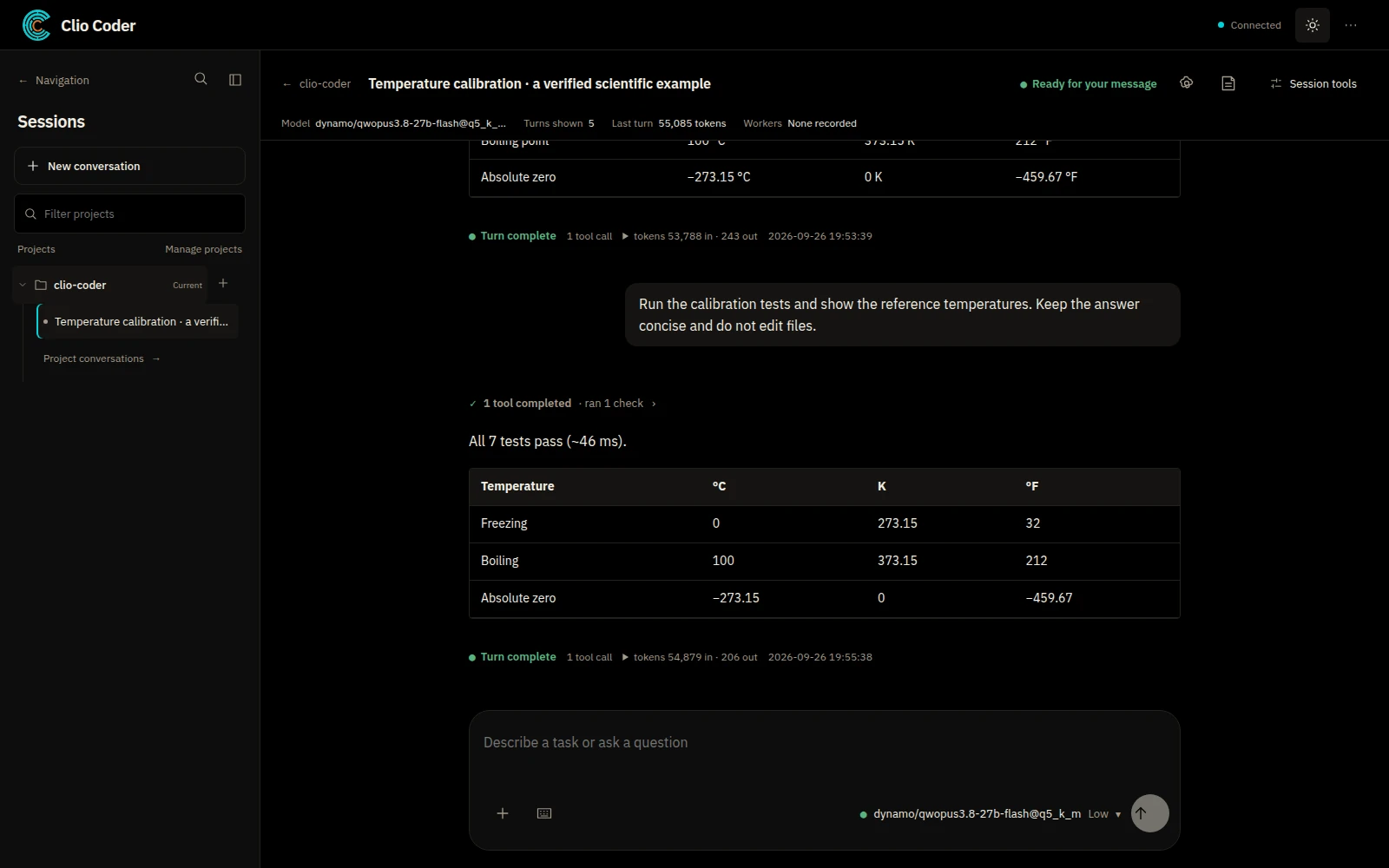
The command opens the local application with its access link. Select a project, start a conversation, and choose a model. You can attach files, select a model and thinking level, and inspect session activity from the workspace. Sessions groups conversations by project. Open Artifacts to review recorded file activity, tool results, and linked evidence beside the conversation.
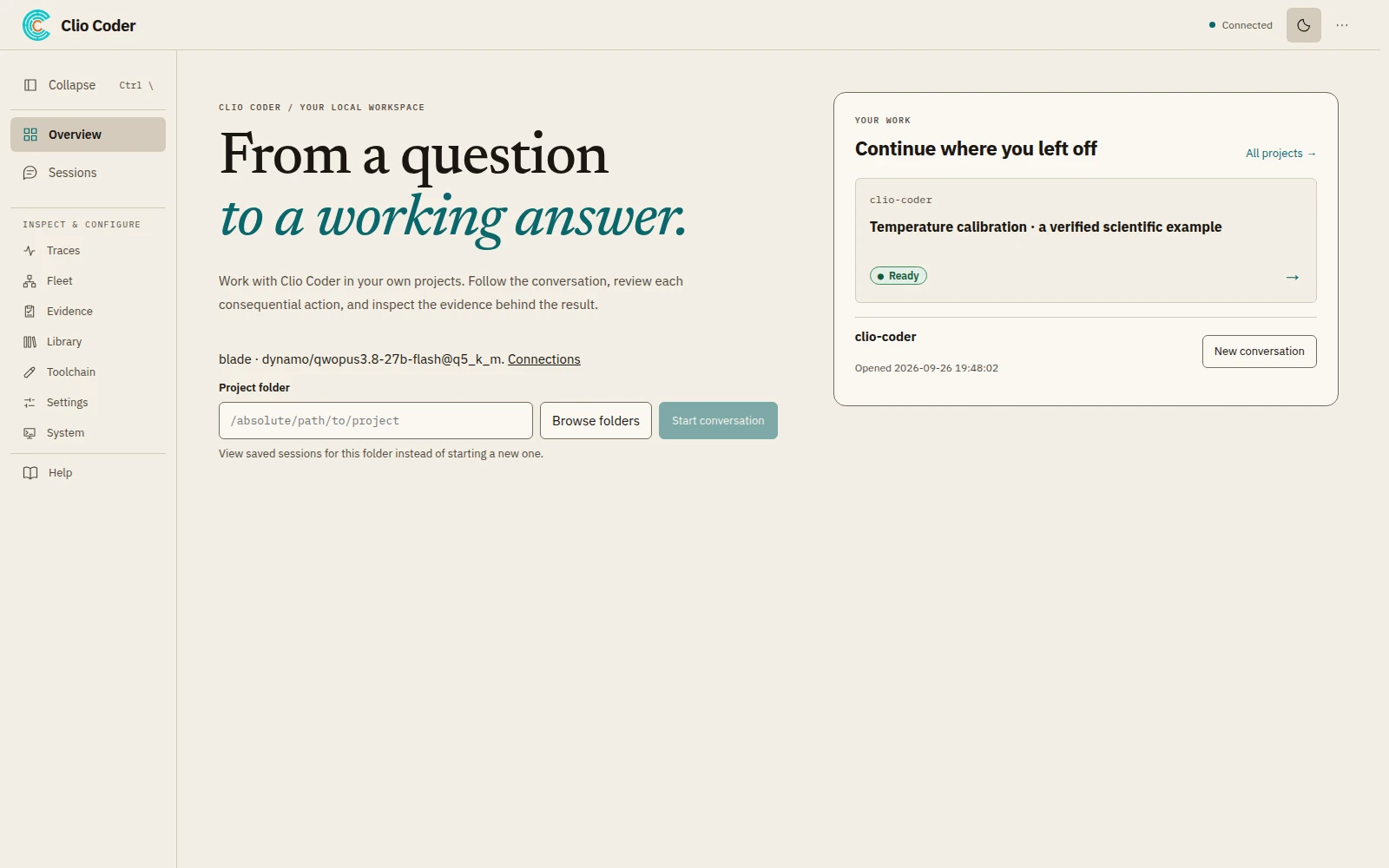
The theme button in the application header switches between dark and light. Here is the same local workspace in the light theme:
The desktop is in alpha and covers a subset of terminal workflows. Treat it as an optional way to use Clio, and keep the terminal available for commands that the desktop does not yet expose.
On Linux with a systemd user session, you can install the optional background application:
clio-coder gui background install --open
For an optional Linux desktop entry, run clio-coder gui launcher install. The background service and launcher each have an uninstall command. The full command guide covers those options.
Clio Coder in the terminal
Open your repository and launch Clio:
cd /path/to/your/project
clio-coder
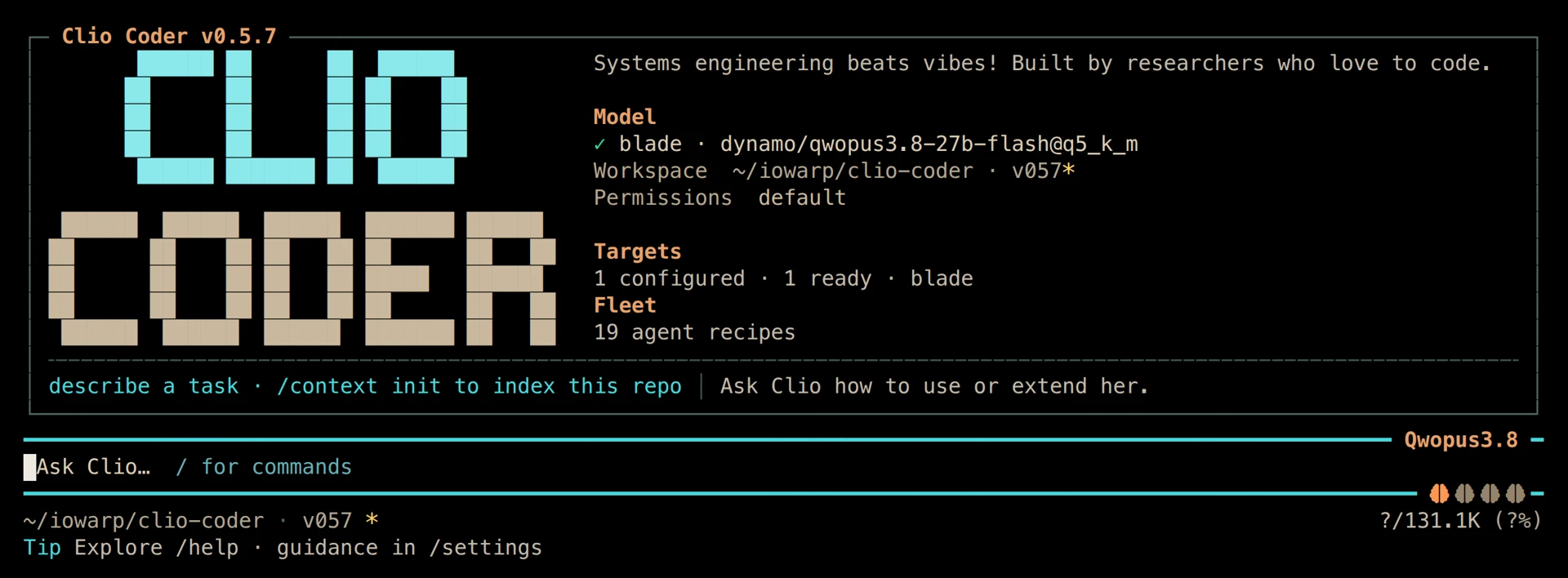
The terminal combines the conversation, tool calls, permissions, and worker activity. Type /help to see available commands, or /model to choose a model.
During a turn, Enter steers the current work, Ctrl+Q queues a follow-up, and Escape interrupts. Review a permission card before allowing an action. Deny skips that call; Stop ends the turn.
Choose where to begin
Start on the desktop if you prefer browsing projects and working with attachments in a visual interface. Start in the terminal if you work mostly from a shell or need the primary set of Clio workflows.
Both launch commands use the installed Clio Coder package. You do not need an account on this website. Your model connections use your own local server, institutional endpoint, or cloud provider.
Try a temperature-calibration example with recorded checks, or follow your first session for a concrete task to try in either workspace.
By The Clio team · Clio Coder
Continue with the documentation