
On this page
Before you start Choose where each part runs Declare one node Check the node before dispatch Keep the first task bounded Follow the work from your laptopYour conversation and a worker process do not have to run on the same machine. Clio Coder can coordinate native workers over SSH, so a local session directs work in a configured remote environment.
Before you start
- SSH access to the node, under your own configuration.
- A matching Clio runtime on the node and a writable state directory.
- The project at the same absolute path on each node.
- A model route the worker can reach from the node.
A cluster login or a VPS account alone does not satisfy that setup.
Choose where each part runs
One remote task
Your laptop
Session
The conversation, your approvals, and the dispatch.
SSH dispatch
Fleet node
Worker
Runs at default authority in the same absolute project path.
model requests
The worker's route
Inference
A localhost address resolves on the node, not on your laptop.
Inference and execution are separate. A local worker calling a remote model endpoint still runs its tools locally; a remote native worker runs its tools on the selected node. A target URL that uses localhost resolves on the worker's machine.
This matters when a project needs a particular compiler, filesystem, or dataset. It also matters for information policy: a remote worker configured with a cloud target may send model input on to that provider.
Declare one node
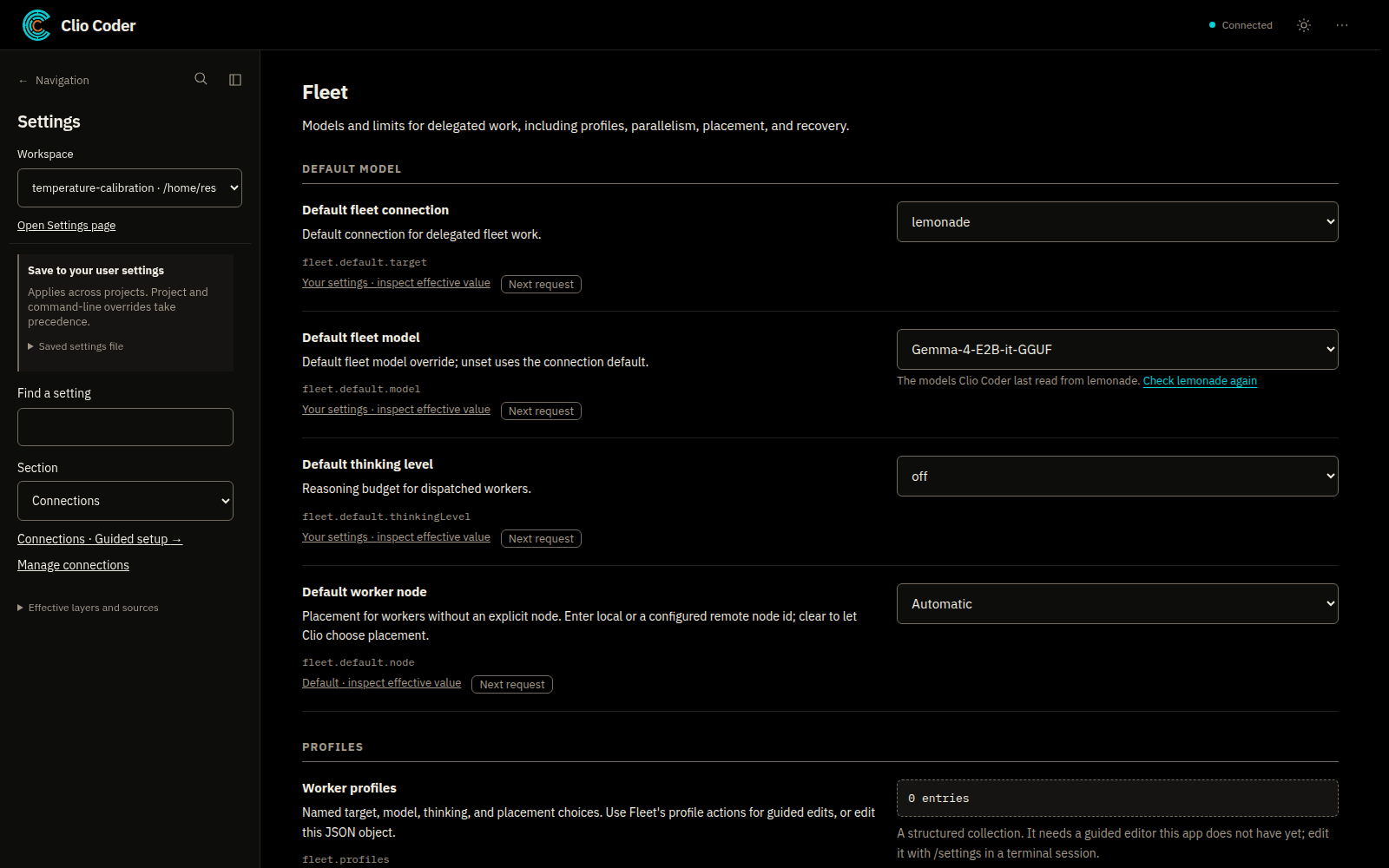
Fleet nodes live under fleet.nodes in user settings. The local node already exists and is not declared there. Settings, Fleet chooses the default worker node for work that does not name one.
settings.yaml
fleet:
  nodes:
    - id: build-node
      host: build-node.example.net
      maxWorkers: 1
Replace the host and use your own SSH configuration, then make sure the project is at the same absolute path before admitting work. The fleet guide describes the other fields and profile pins.
A remote server with a different checkout path is not automatically compatible. The transport does not synchronize an arbitrary repository or stage datasets for you; establish a supported filesystem layout deliberately.
Check the node before dispatch
Run the diagnostic
Shell
clio-coder doctorPlain doctor reports node probes without refreshing dispatch eligibility.
::: capture cli-doctor
Record passing preflight
Shell
clio-coder doctor --fixAfter you review the setup and understand the changes, this records passing preflight results.
Upgrade together
Worker specification v5 requires compatible fleet nodes. Upgrade the client and workers together when release notes say so; session format changes also affect which clients can reopen conversations. :::
What doctor tells you
An unavailable or incompatible node can stay a warning while local work remains usable. A changed host, project root, or local runtime upgrade invalidates the node's preflight record, and a pinned task does not fall back silently to another machine.
Keep the first task bounded
Ask one worker to inspect a familiar part of the project or run a known check. Select its node through the supported profile or dispatch configuration and review the assignment before it runs.
Remote workers keep default worker authority, even when the coordinating session uses yolo. Capacity limits bound concurrent work; they do not create a scheduler allocation or permission to use another person's resources.
On a university or laboratory cluster, use an approved execution environment. Do not launch a fleet on a login node merely because SSH works. The Slurm guide describes separate allocation-aware tooling; SSH fleet support is not universal batch-scheduler integration.
Follow the work from your laptop
The terminal is the primary interface for the full workflow. The desktop alpha shows conversations, fleet activity, and recorded results for a subset of terminal workflows; it is a local browser interface, not a hosted control service.
Open Workers with Alt+W to see queued, active, failed, and completed work, then review results and the actual project changes. Some external peers cannot receive live steering; native SSH workers and peer bridges are different execution paths.
Boundaries
- SSH, a matching runtime, and the same absolute project path are prerequisites, not details.
- Clio does not stage repositories or datasets onto a node.
- Institutional access rules and schedulers still govern where work may run.