
On this page
Before you start Start with checks the project already owns Declare what particular changes require Inspect freshness after editing Read the result where you workA useful coding result includes more than "done." You need to know what changed, which checks ran, and whether those results still apply to the files you are reviewing. Clio Coder v0.5.7 can use your repository's declared checks and a project quality policy to make those questions explicit.
Before you start
- A Git repository with a test or build check it already declares, such as a package script or a CI step.
- Clio Coder with a model that supports tool calling.
- Time to read the resolved command before you approve it.
Start with checks the project already owns
The verifier derives checks from supported build systems, project scripts, and CI definitions. When it cannot resolve a requested check, it should not substitute an arbitrary command and call it a pass.
Discover this project's verification checks. Run the relevant test check through verify. Report its exit status, failures, and anything you could not check.
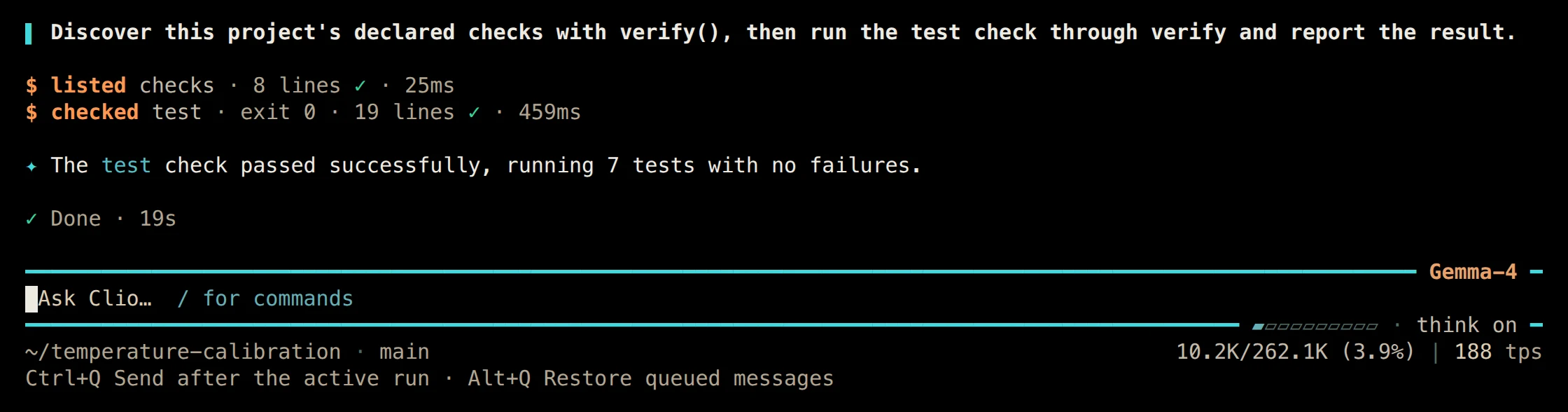
01 A turn that listed the declared checks and ran the test check through verify. Terminal · v0.5.7
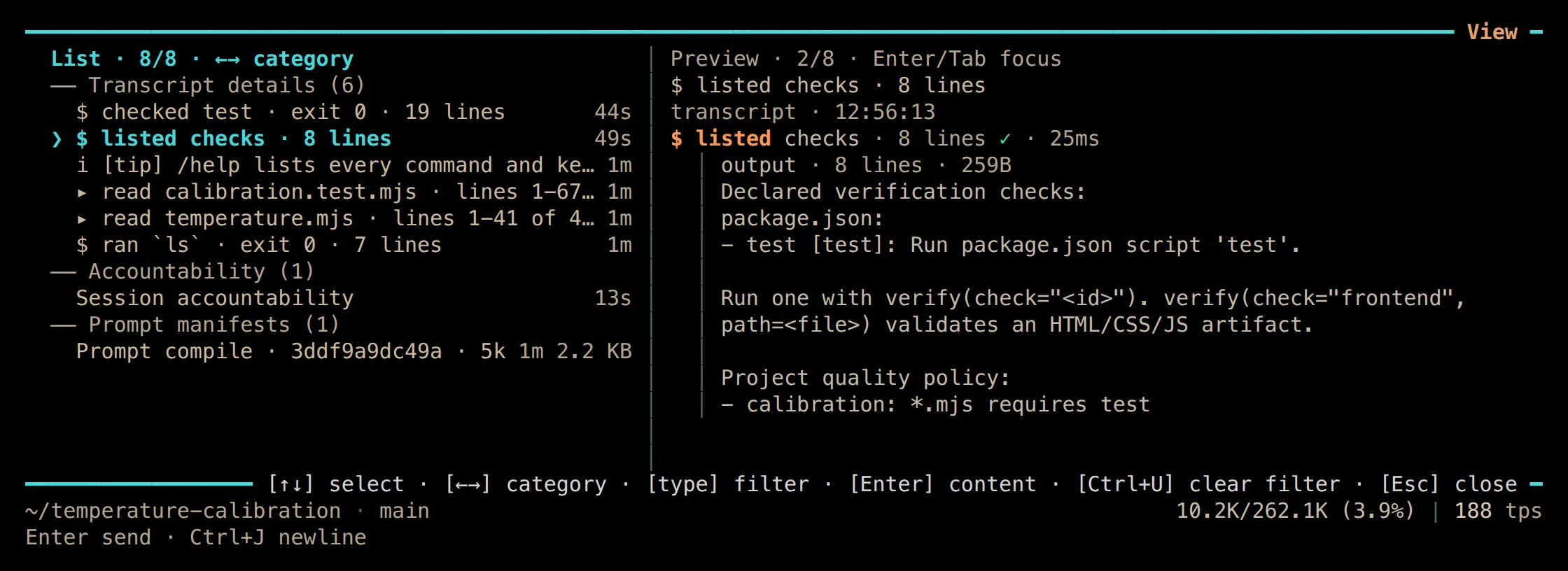
02 /view shows the declared test check and the project quality policy that requires it. Terminal · v0.5.7
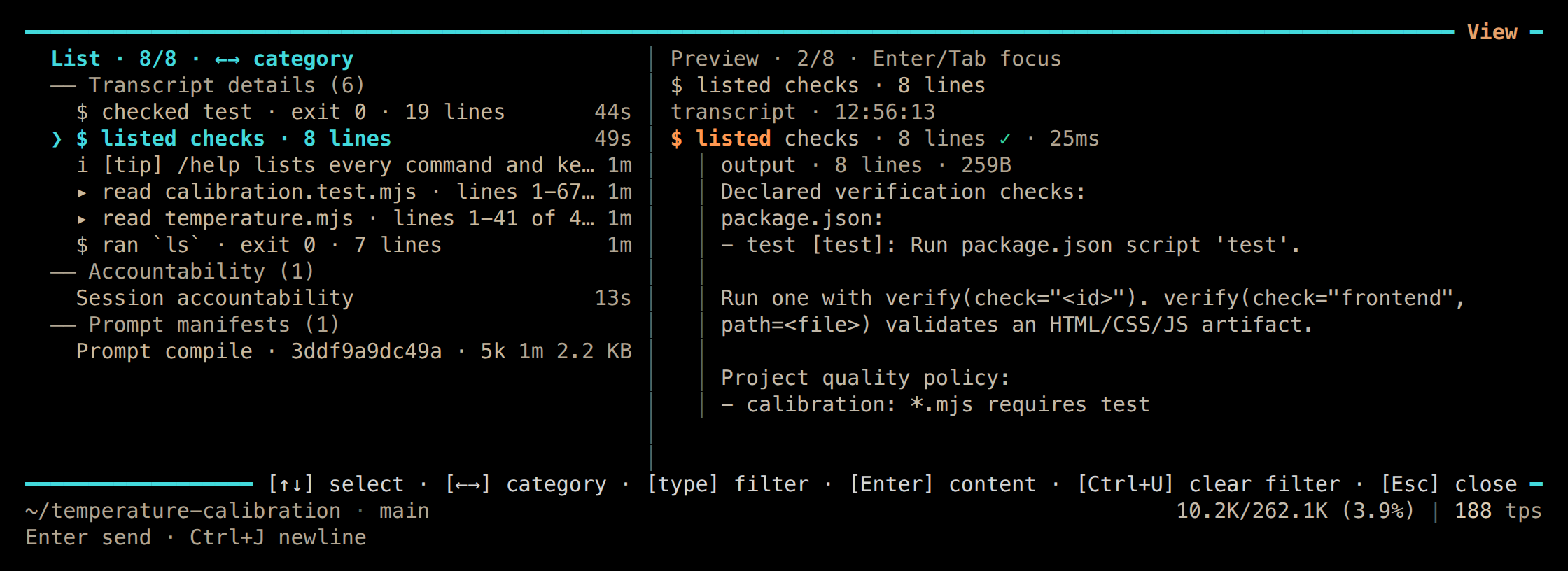
Read the resolved command and working directory before approving execution. verify is subject to command admission: naming a check does not grant permission to run it, and a denied command is not a validation result.
The tools guide covers discovery and execution. The temperature-calibration example follows a small numerical correction with recorded test results.
Declare what particular changes require
A quality policy selects required checks by changed path. At the Git workspace root:
.clio-coder/quality.yaml
version: 1
rules:
  - id: source
    paths: ["src/**", "tests/**"]
    inputs: ["src/**", "tests/**", "package.json", "package-lock.json"]
    checks: [test]
allowLimitations: falseName the changes a rule covers
pathsselects the rule: here, any change undersrc/ortests/.List every input the result depends on
inputsfeeds freshness. Include fixtures, configuration, helper files, and lockfiles; this example assumes the root package declares atestscript and uses that lockfile.Name existing checks, not commands
checksrefers to declared checks. A policy cannot insert an arbitrary shell command or bypass approvals.Decide whether limitations are acceptable
allowLimitations: falsemeans a reported limitation does not satisfy the rule.
Clio does not write this policy for you. Review it as a repository contract: a command that passes a narrow subset of tests should not satisfy a policy that requires the full declared test check.
Inspect freshness after editing
When a passing check still counts
Your project
Declared check
A package script, build target, or CI definition the project already owns.
verify runs it
Results
Recorded pass
Stored with source, check-declaration, and policy fingerprints.
an input changes
Assessment
Stale
The earlier pass no longer describes the files.
verify runs again
Assessment
Current
A result for the work that exists now.
Clio compares source, check-declaration, and policy fingerprints. A passing check becomes stale after relevant inputs change, and a later failure supersedes an earlier pass of the same check.
This matters during an iterative fix. The agent might run a test, make another edit, and then summarize the earlier success. The current assessment should describe the work that exists now, not the best result observed along the way.
Required checks run through verify without argument or working-directory overrides. Declare subproject checks with the correct working directory in the supported catalog or a root script. The quality-policy guide explains check identity and freshness.
Read the result where you work
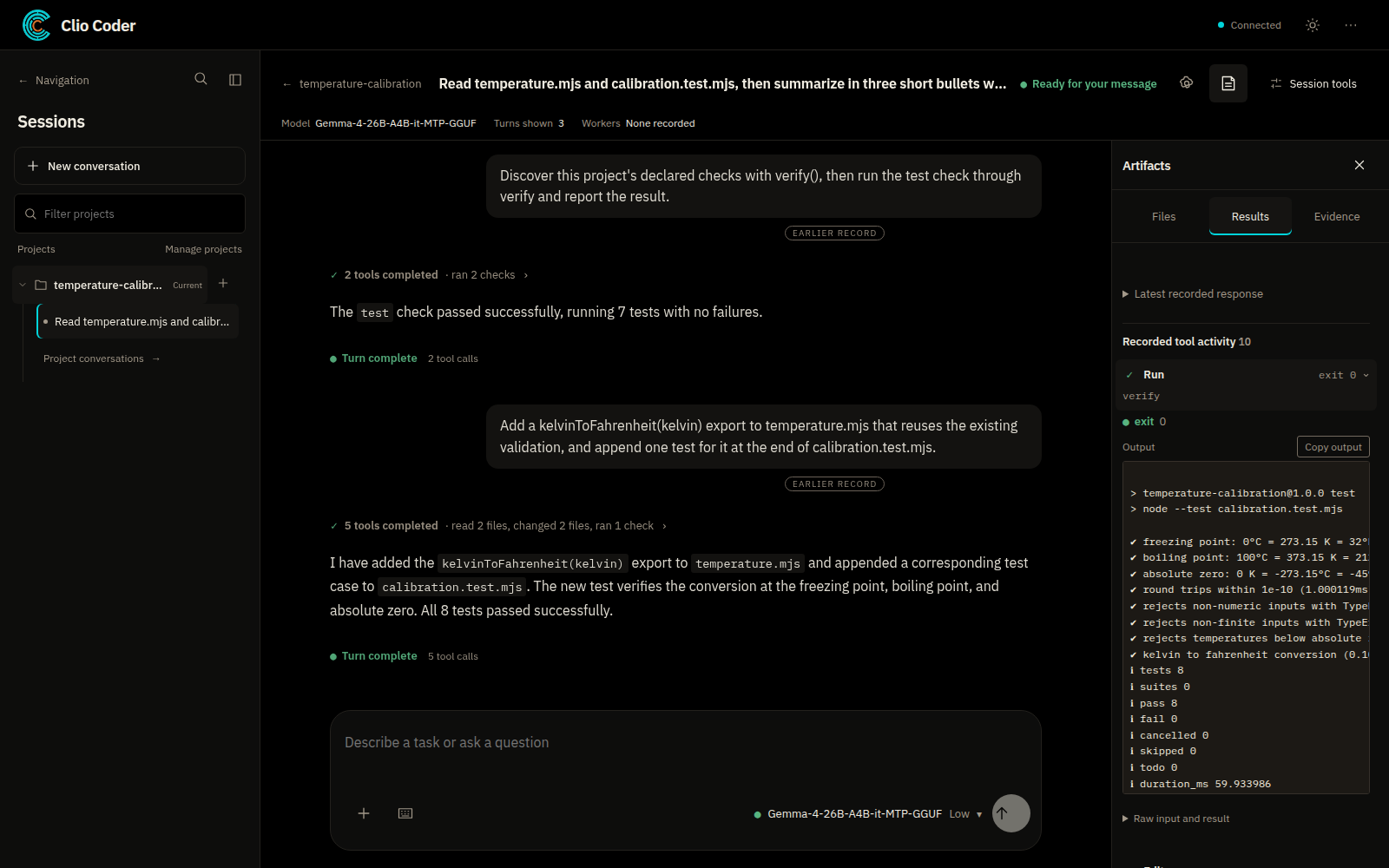
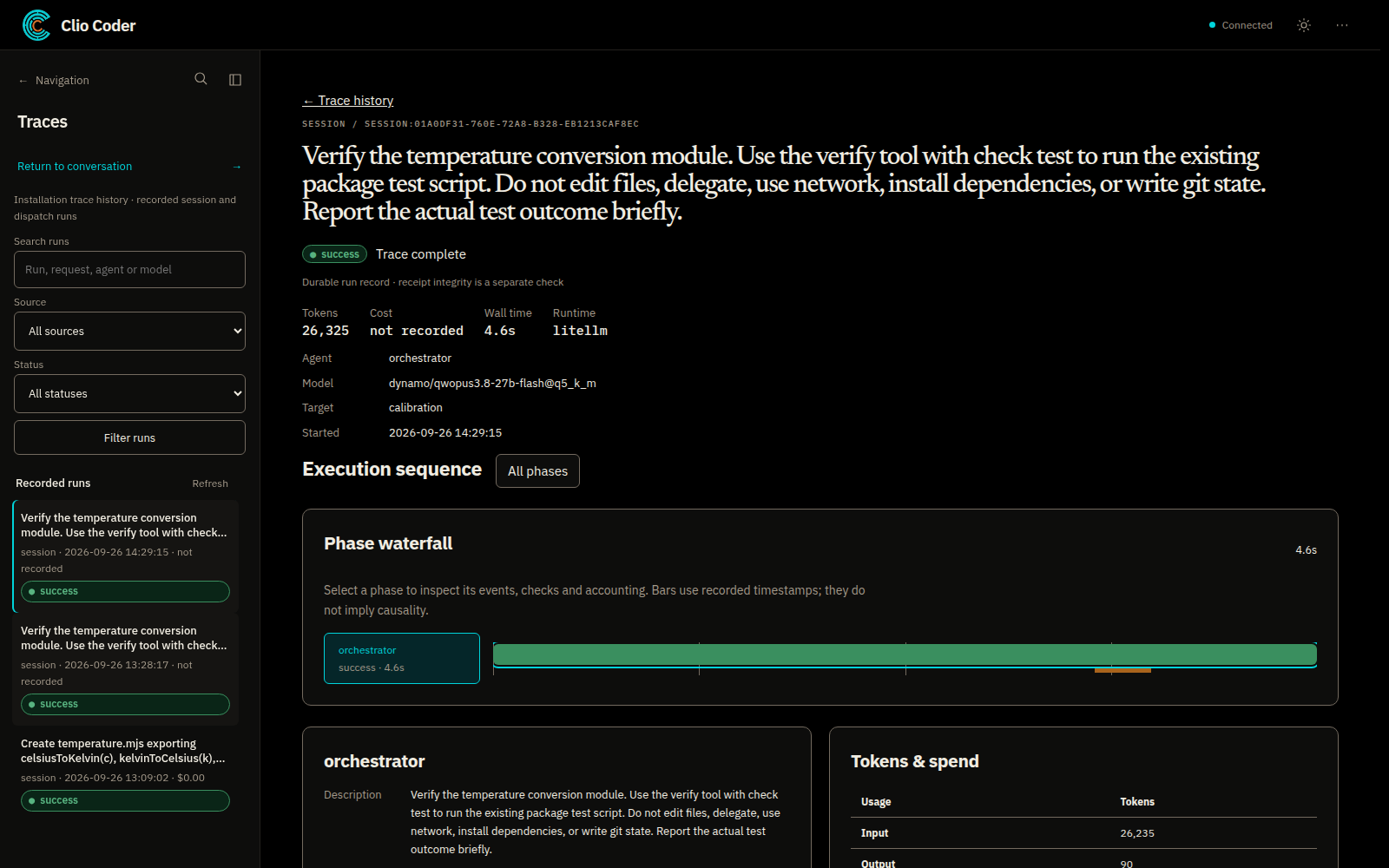
On the desktop alpha, open Artifacts, then Results, beside the conversation; Files shows paths and changes recorded by tools. In the terminal, /view opens artifacts and receipts.
What to look for
The actual check, its result, and any missing evidence. A receipt is an inspectable record of the run; it is not a certificate that every scientific or operational requirement was met. New receipts use a simpler schema, and older receipts remain readable and verifiable.
Boundaries
- Snapshots need Git and a workspace at the repository root. They cover tracked and nonignored untracked source within the documented bounds.
- They do not establish the state of external datasets, installed dependencies, running services, or other hidden inputs.
- A valid policy selects high rigor by default and asks to continue for outstanding checks when recovery is possible; normal rigor makes the assessment advisory. Neither grants extra execution authority.
- Numerical comparisons, integration tests, and human review may still be necessary.